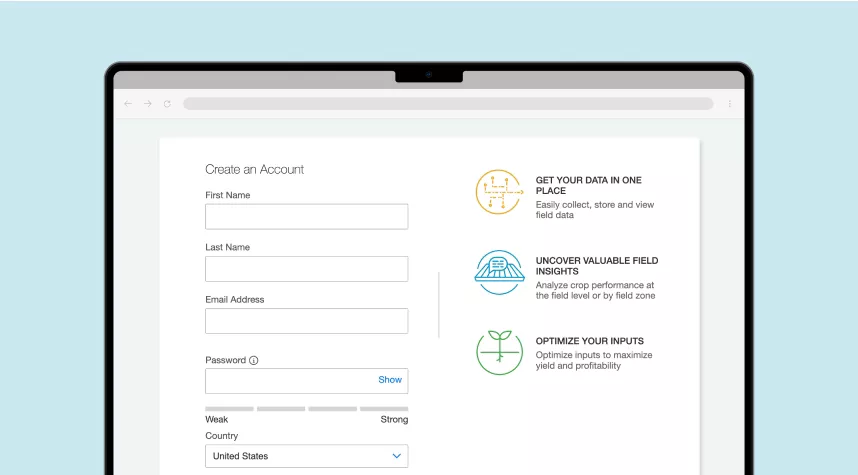
Set Up Your Account
Get started with FieldView™ by simply setting up your account.
FieldView™ offers a comprehensive step-by-step guide designed to help you set up, navigate, and excel with FieldView™.
Get started with FieldView™ by simply setting up your account.
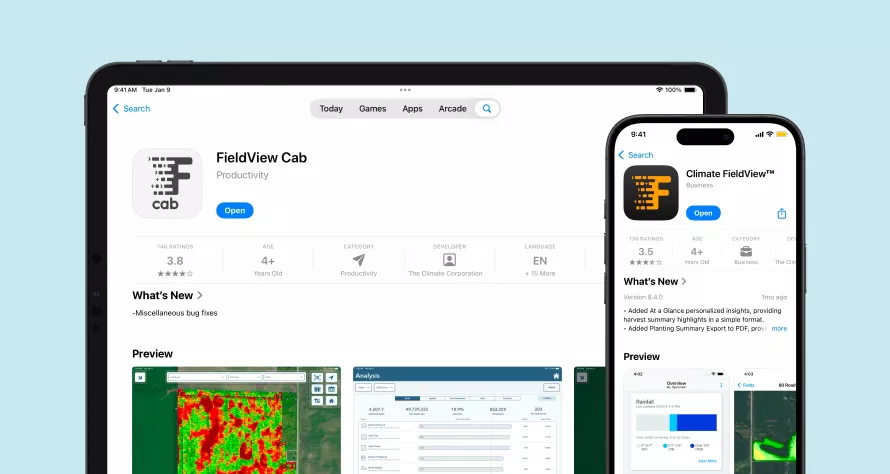
Download the FieldView™ apps so you can access your data across your devices, even when you’re on the move.
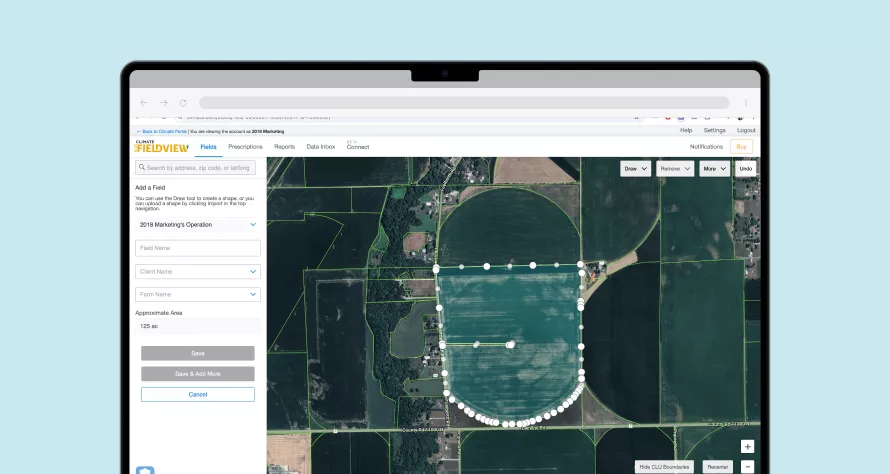
Once you map your field boundaries, you’re on your way to getting all your data in FieldView™.
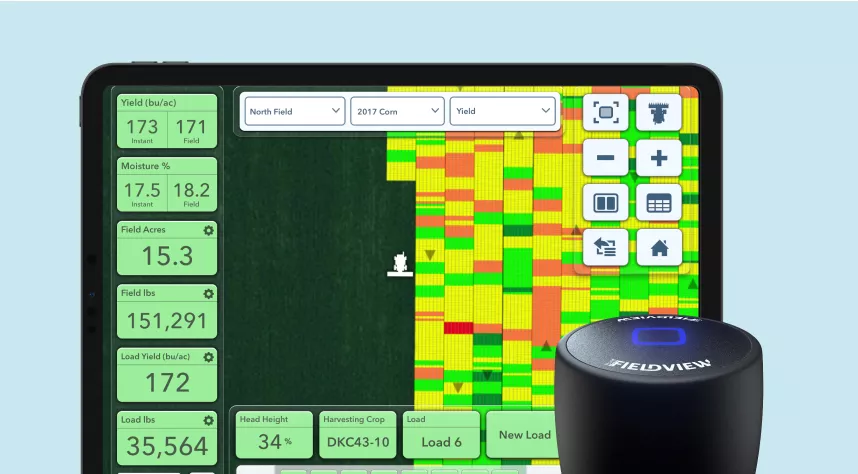
Collecting data is easy and seamless with the FieldView™ Drive 2.0.
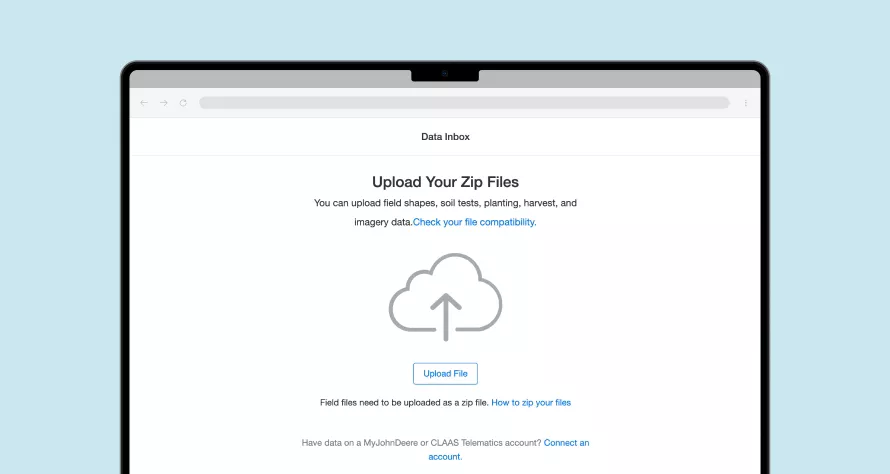
Already mapped your fields? You’re just one step away from analysing your crop performance, so you can make the best input decisions for the coming season.
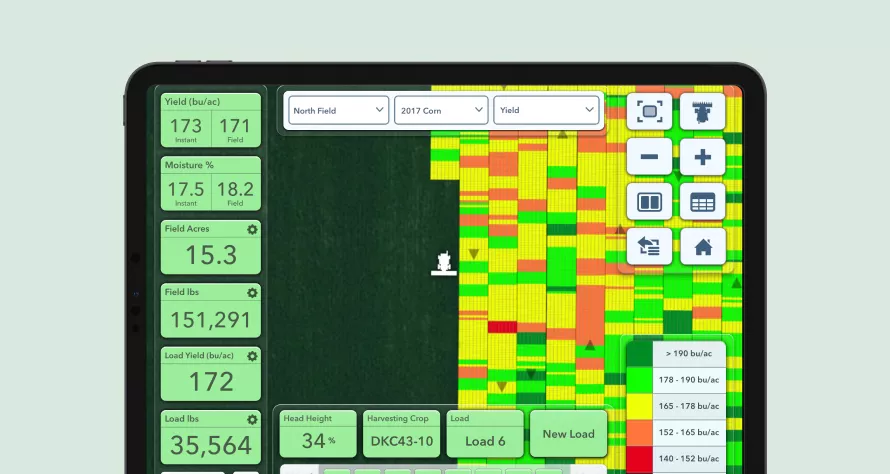
Now that you have your account set up, fields mapped, and your equipment set up, let’s start capturing data and put it to work for your operation.
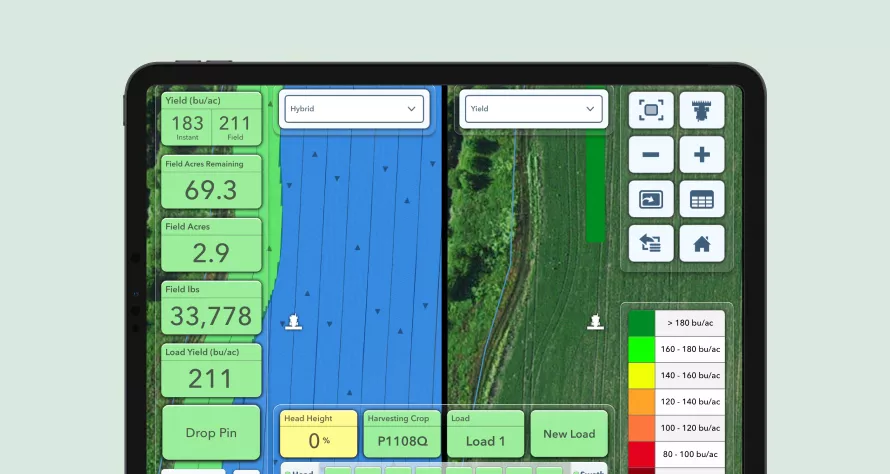
With the FieldView™ Cab app, you can watch your maps build in real time as you pass through the field.
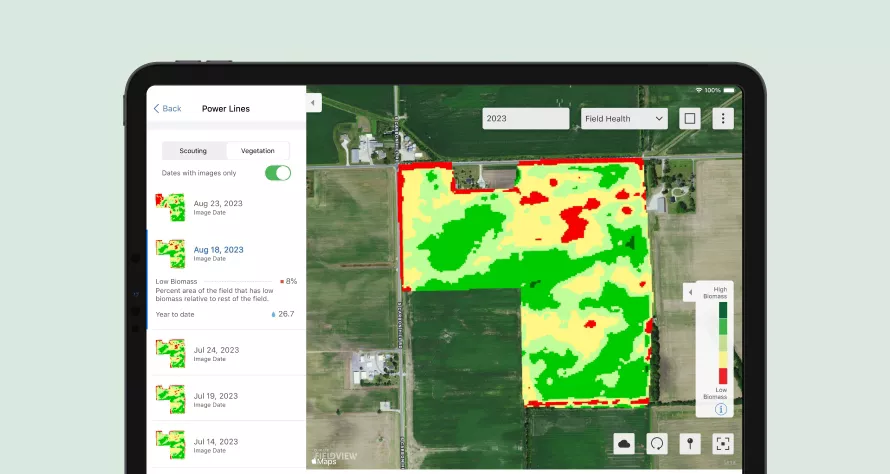
We’re going to show you how to put it to work so you can get the most out of every hectare.
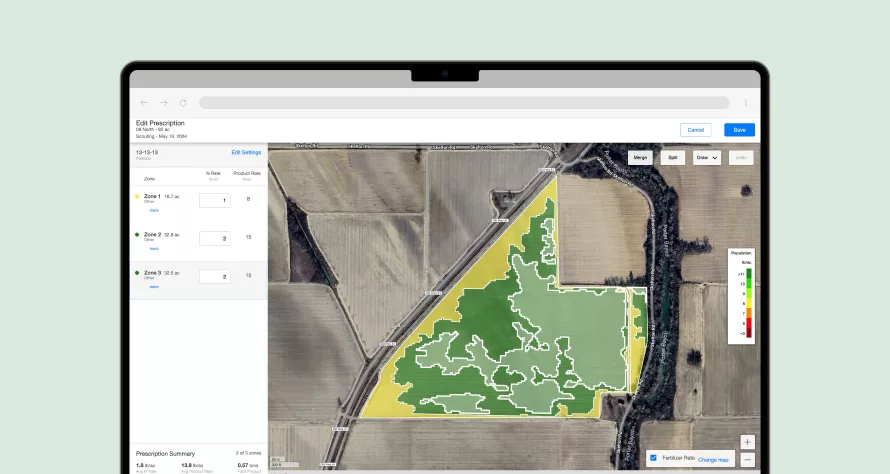
Writing manual fertility scripts is simple using our easy-to-use prescription tools.
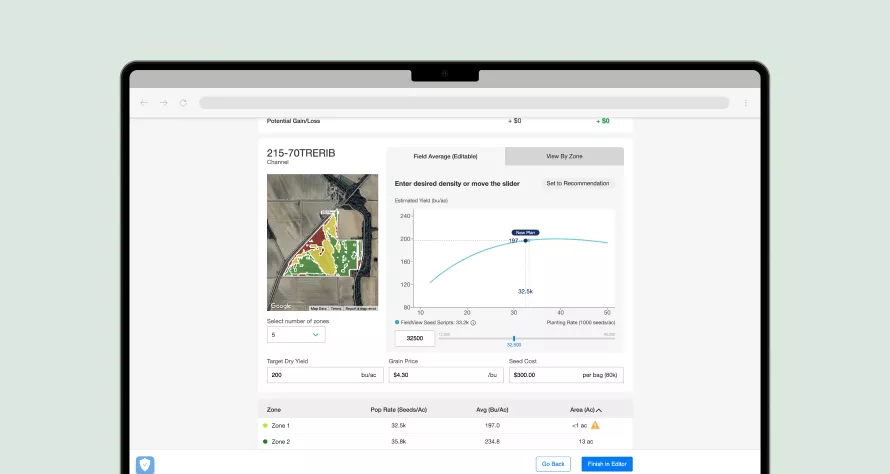
Your historical field data and our research-based science to provide you with a seed prescription that matches your profitability goals.
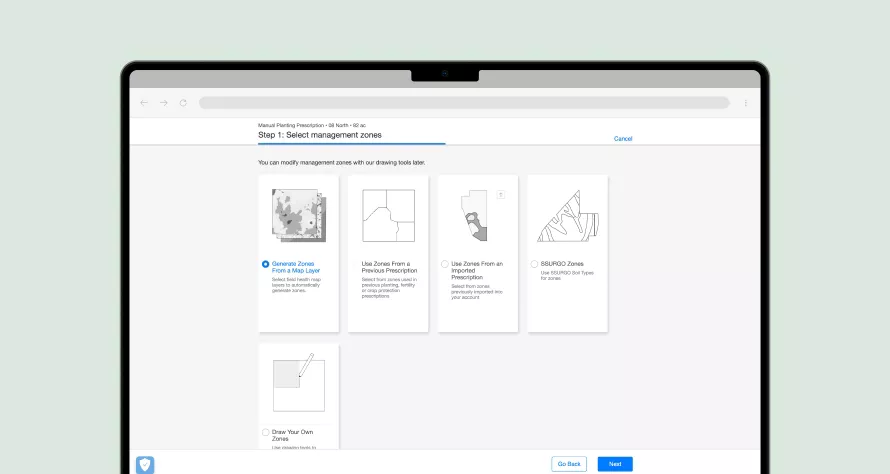
Writing manual seed scripts is simple using our easy-to-use prescription tools.
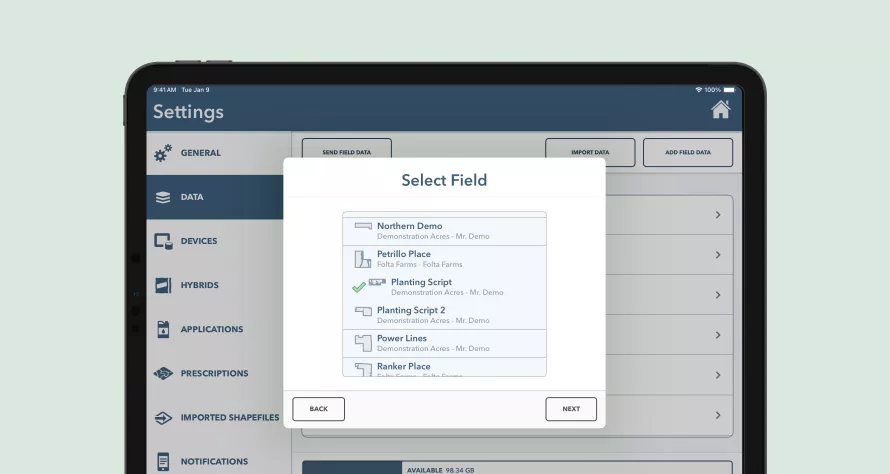
Additional ways to capture data that might fit your specific needs.
?fmt=webp)
Reach out to our expert team for personalised assistance.