How to Use FieldView Cab App on an iPhone
Overview
Customers can utilize the capabilities of the FieldView Cab app on their iPhone devices.
Available on: Apple iOS™
View PDF Guide
Using FieldView Cab App on an iPhone®
After downloading the FieldView Cab app from the App Store and opening it on your iPhone device, zoom out to reveal weather radar and field locations.
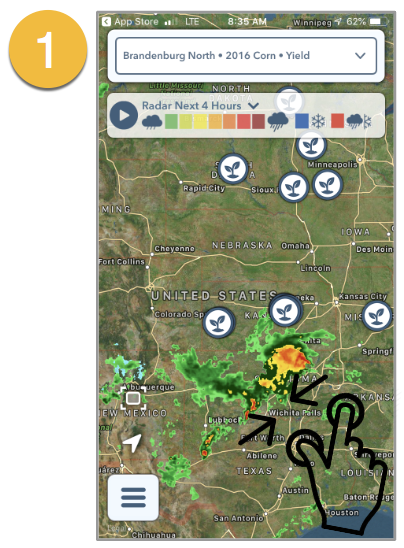
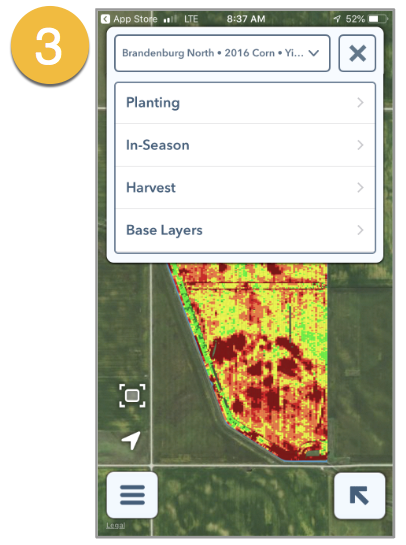
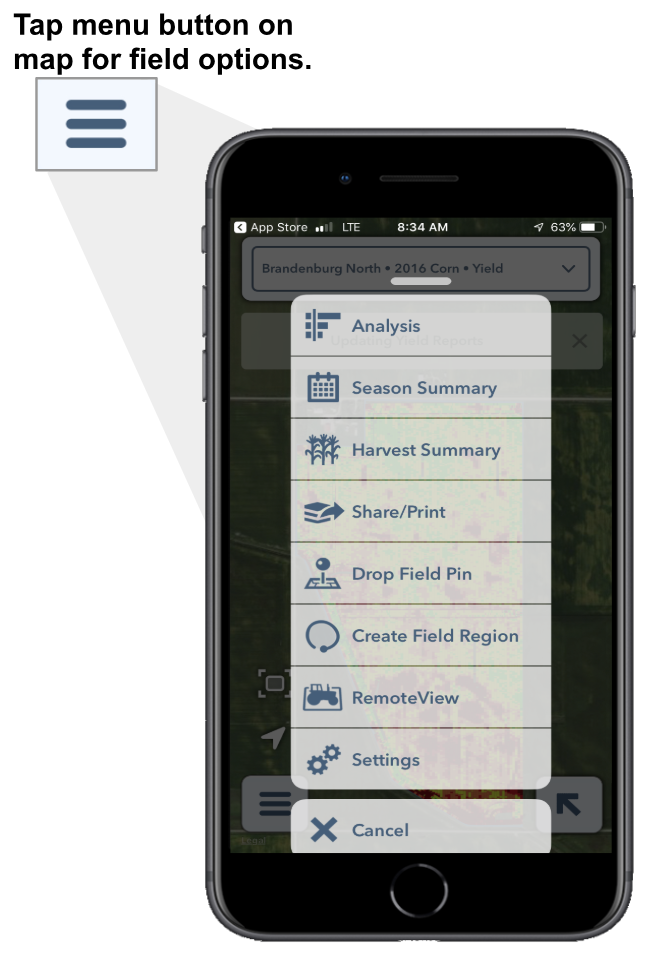
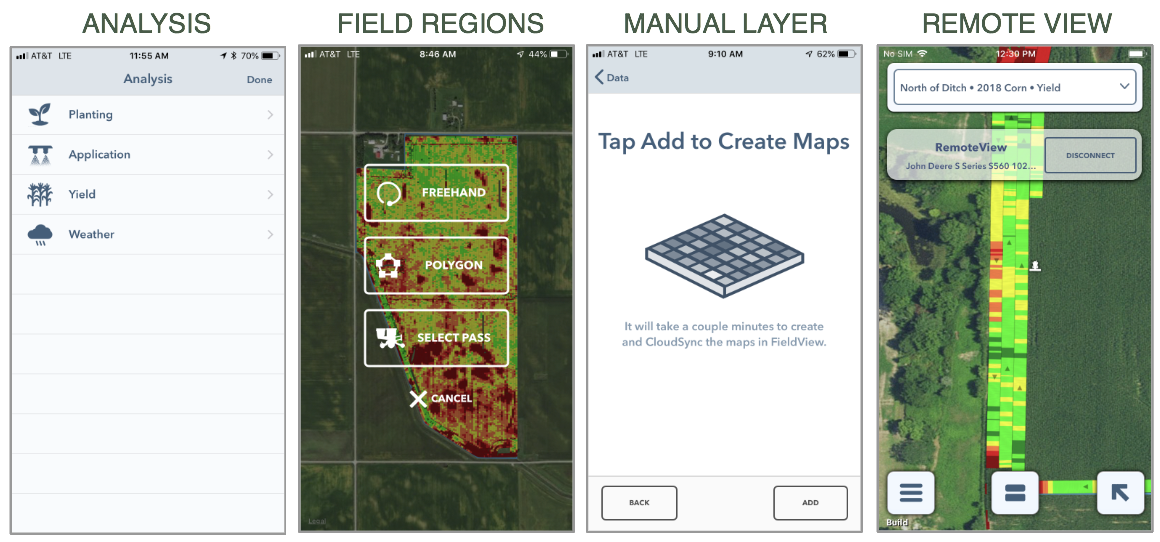
Utilize dropdown box to select field, year, crop type and map layer. Tap on bottom left menu button to pull up map options (illustrated on the right side of this document).
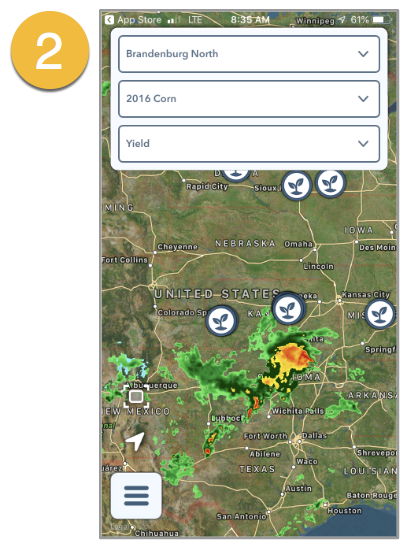
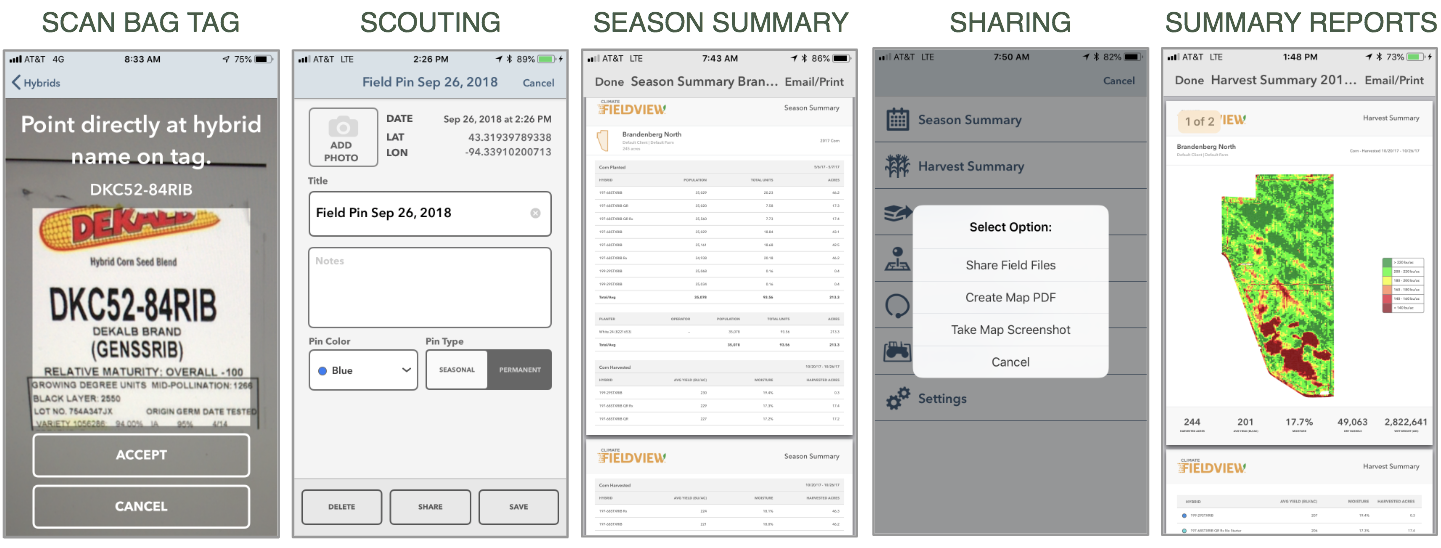
All maps found in the iPad version of the FieldView Cab app can now be found on your iPhone device. Note: your maps will still be available if you lose service or wifi signal.