How to Collect/Upload Data with FieldView™
This document explains the different ways that a grower can collect or upload data with FieldView™
Learn how to manage your FieldView™ data, including importing and exporting files, syncing data, mapping, reporting and troubleshooting.
This document explains the different ways that a grower can collect or upload data with FieldView™
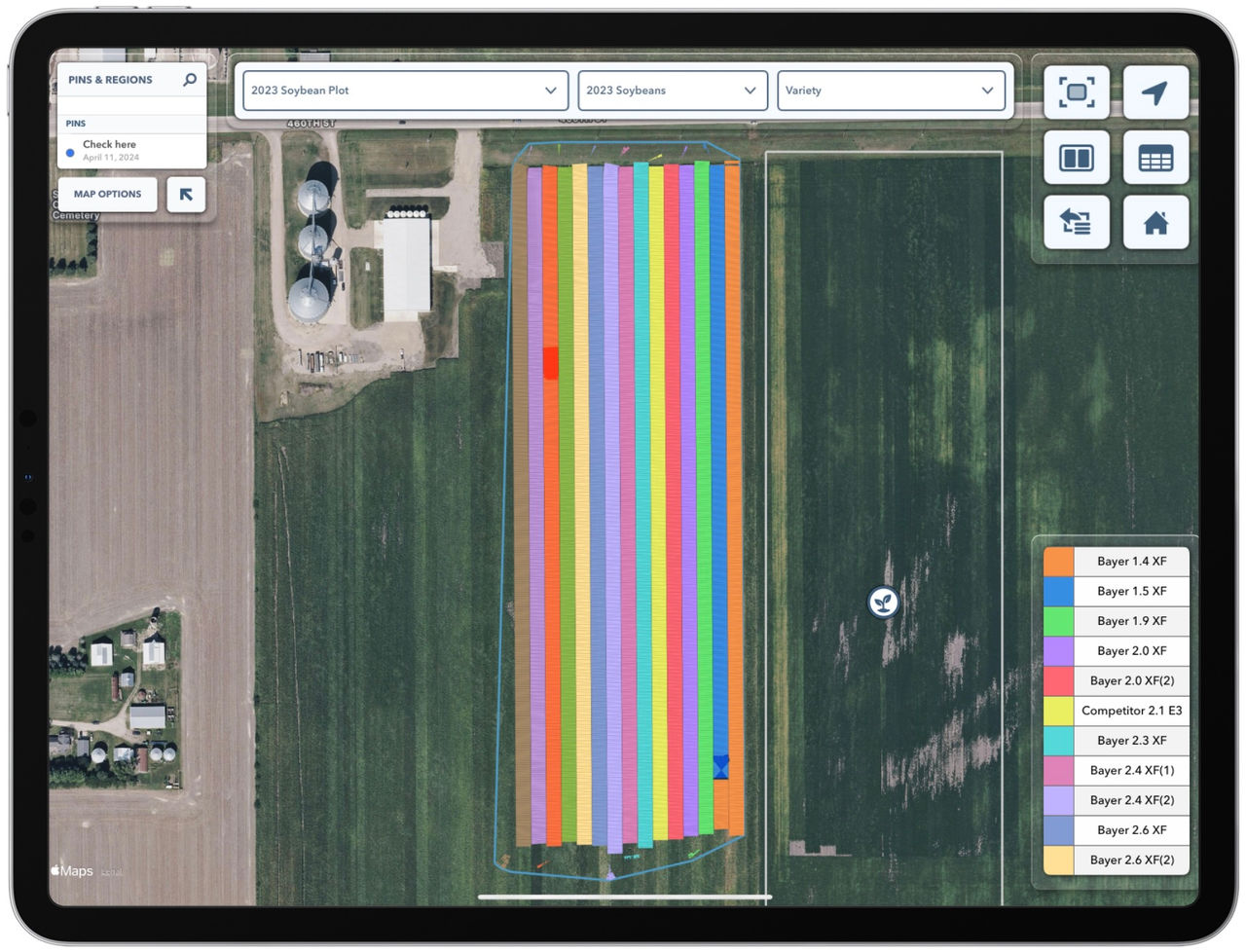
Distinguishing large amounts of hybrids or seed treatments in a field can be tricky. FieldView Cab's Tap Legend to Highlight Map feature resolves that issue.
Data Inbox on FieldView.com allows farmers to upload historical data to visualize and analyze data. Learn how to troubleshoot common data import issues.
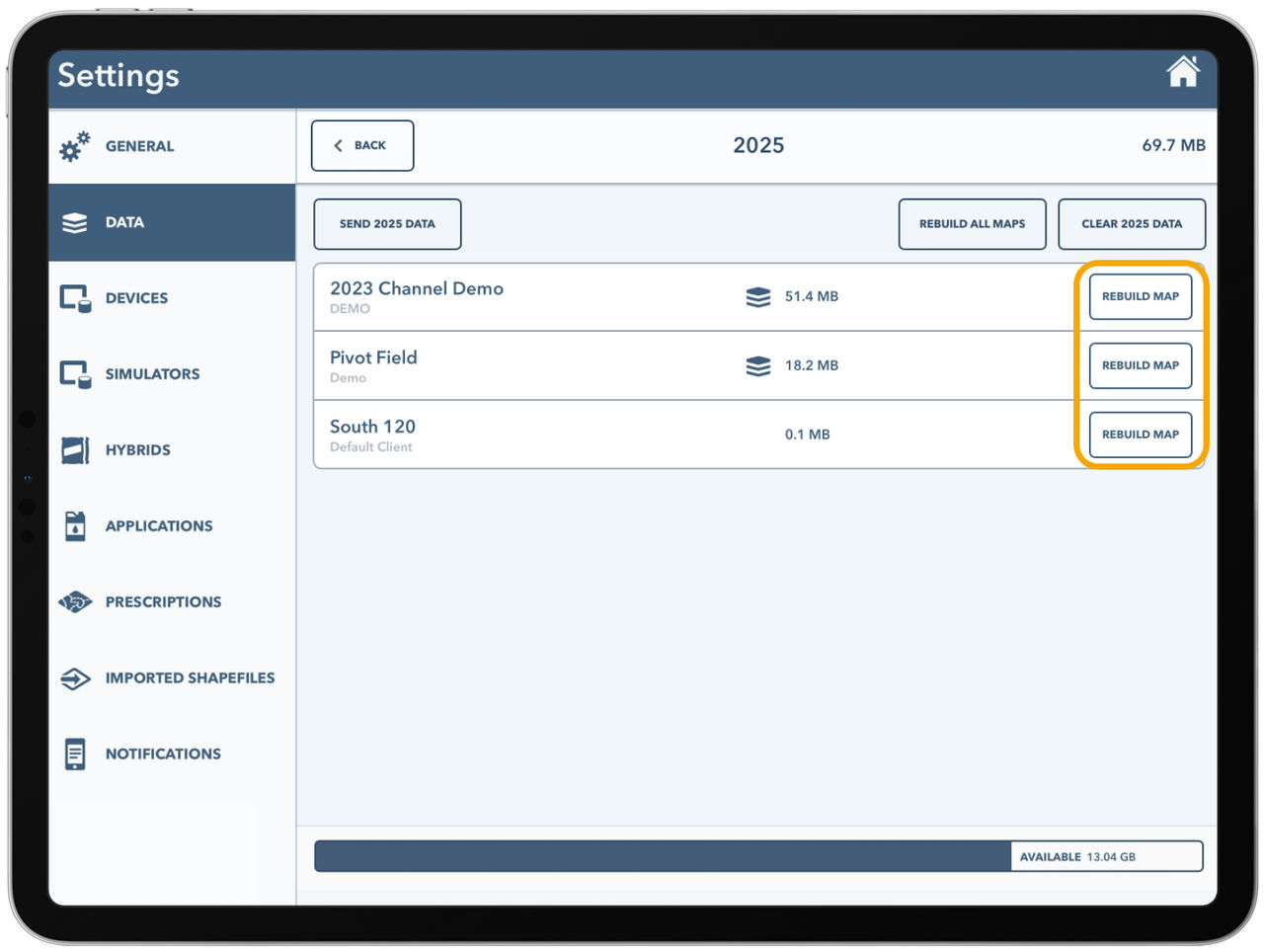
The Rebuild Maps tool is a commonly used tool in the FieldView Cab App after changes are made on the web. Learn important tips about this tool in our guide.
Farmers who have historical data can upload data manually via FieldView's Data Inbox. Learn how to upload historical data to view your data in FieldView.
Uploading FieldView files to Seismic helps you share FieldView data with your agrnomic partners. Learn how to upload field data files to a Seismic folder.
Learn how to merge two field boundaries into one field boundary with FieldView Online. Our step-by-step guide thoroughly takes you through the process.
FieldView users now have the ability to edit their own data connected to the wrong field and re-assign it to the correct one. Learn how with our guide.
View displays & Farm Management Information Systems compatible with FieldView Data Inbox. Import boundaries, planting, application, and harvest shapefiles.
Learn about iPhone data management in FieldView Cab app. Control how much data is used on your iPhone for capabilities like RemoteView, Map Layers, & more.
Files to be loaded into FieldView Cab App's Data Inbox must be compressed into a .zip format. These instructions detail how to compress your files for upload.
This document addresses frequently asked questions about CloudSync functionality in FieldView Cab App.
FieldView Cab App offers multiple tools to help ensure correct field data and map display. Learn the differences between CloudSyncing and Rebuilding Map Layers.
Learn how to add a new field and create a field boundary using Equipment in FieldView Cab App. Our guide shows you the step-by-step process.
Learn how to upload your imagery files into FieldView. View your files as a map layer in the FieldView apps with this helpful step-by-step guide.