Highlight Maps by Tapping the Legend in FieldView Cab
Overview
FieldView Cab has the ability to tap the legend and highlight corresponding portions of the map.
Available on: Apple iOS™
Tap Legend to Highlight Map
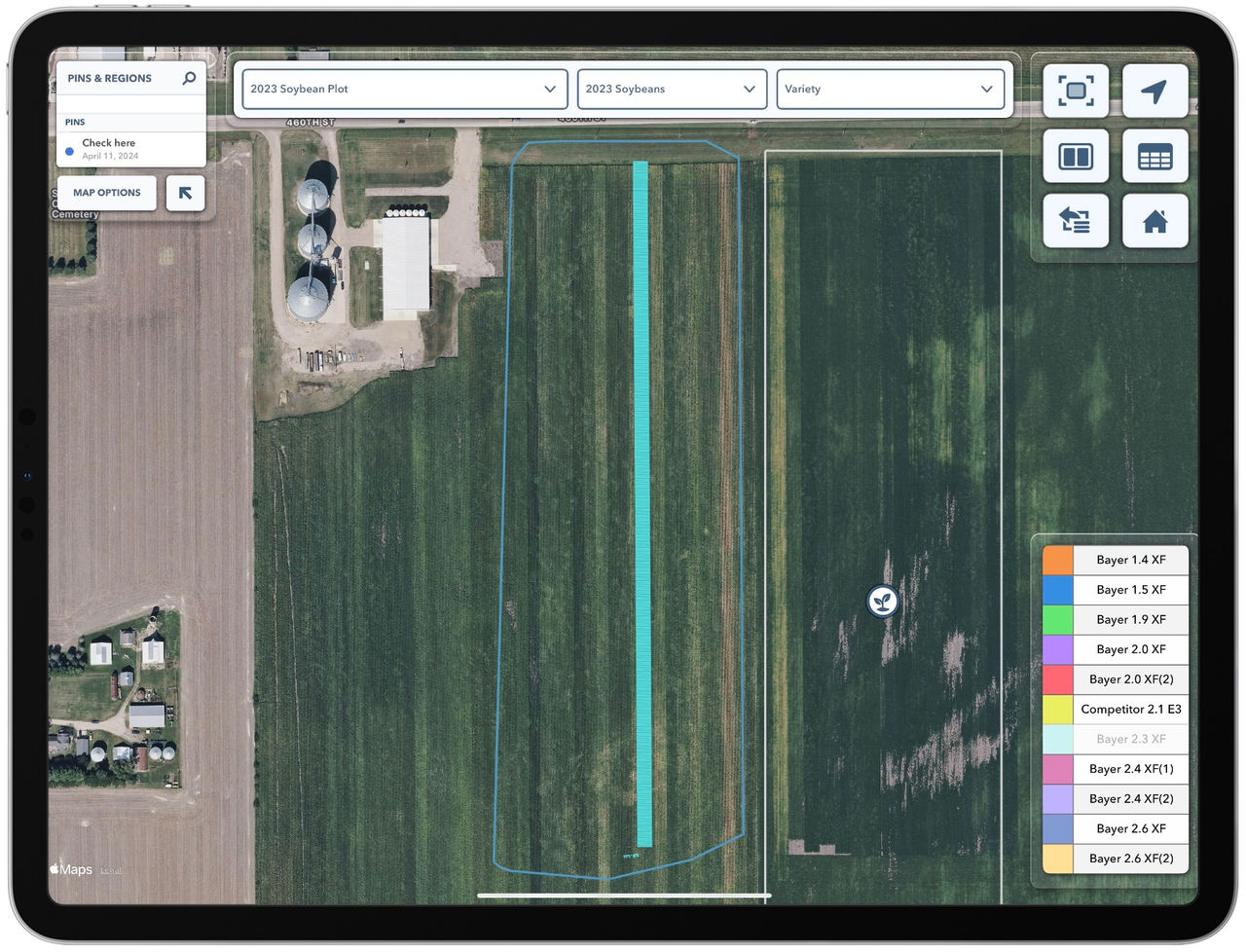
When a field contains a large number of Hybrids or Seed Treatments, it can be challenging to distinguish between them on the map. This feature makes this easier by allowing you to tap any color in the map legend, see the name in the legend row displayed in large white text at the bottom of the screen, and highlight areas of the map that correspond to that color. A single tap will highlight the map by flashing several times while tapping and holding hides all areas of the map except the portion corresponding to that color. This ability is also particularly helpful for legends that contain long names, like the name of a specific planter in the Planter Map, by making it possible to view the entire text.
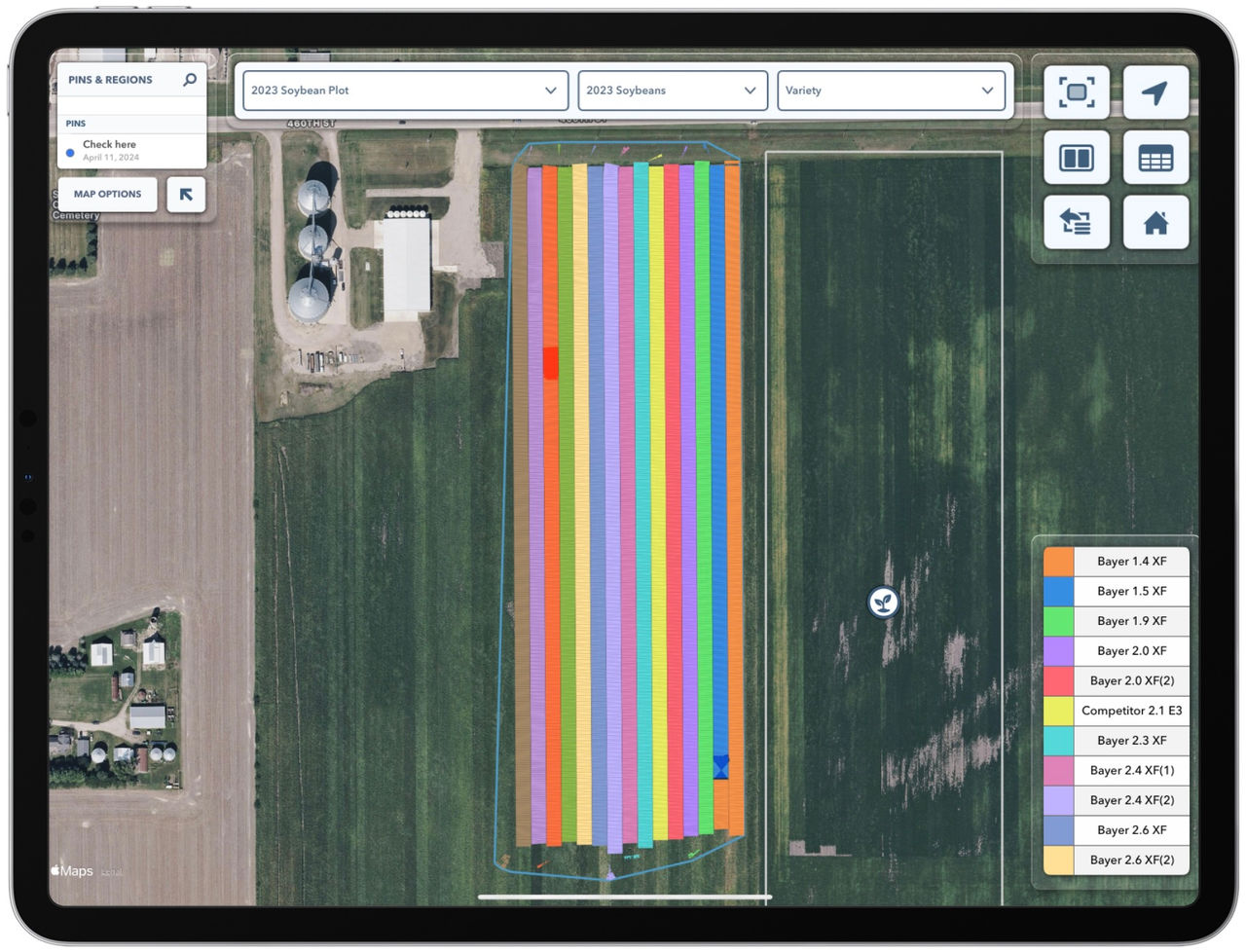
Tap to Highlight:
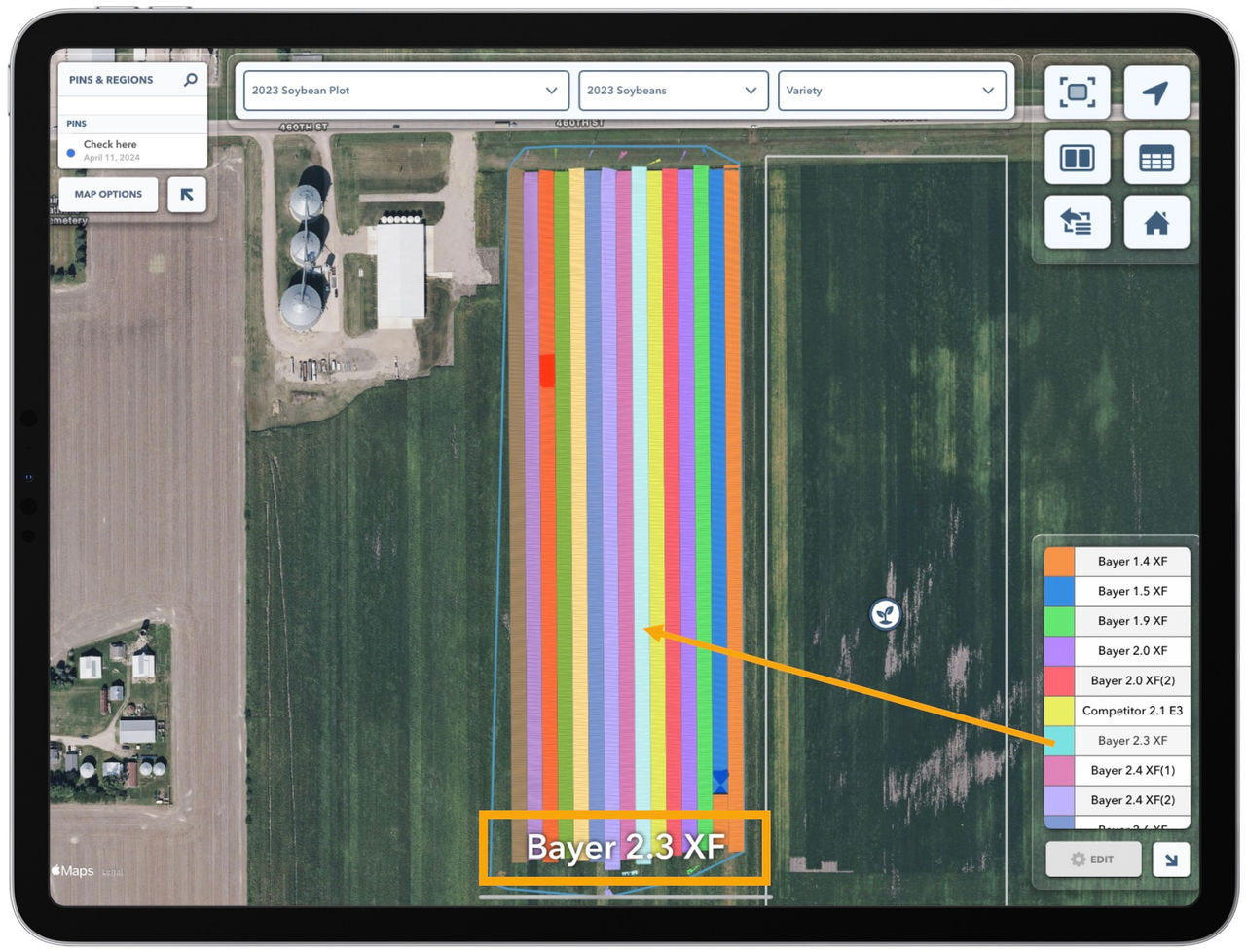
Tap and Hold to Isolate: