How to Connect Libra Harvest with FieldView Cab App
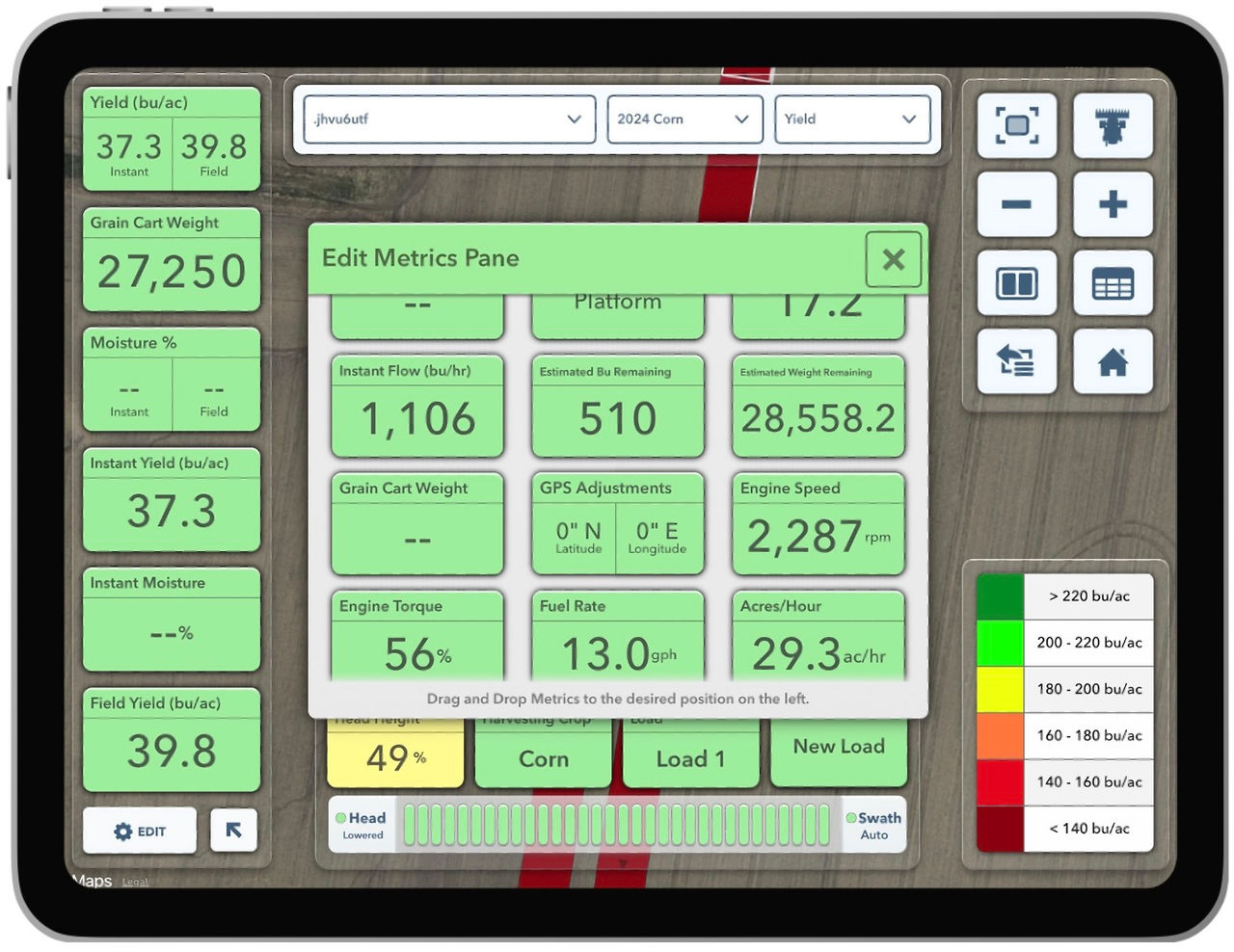
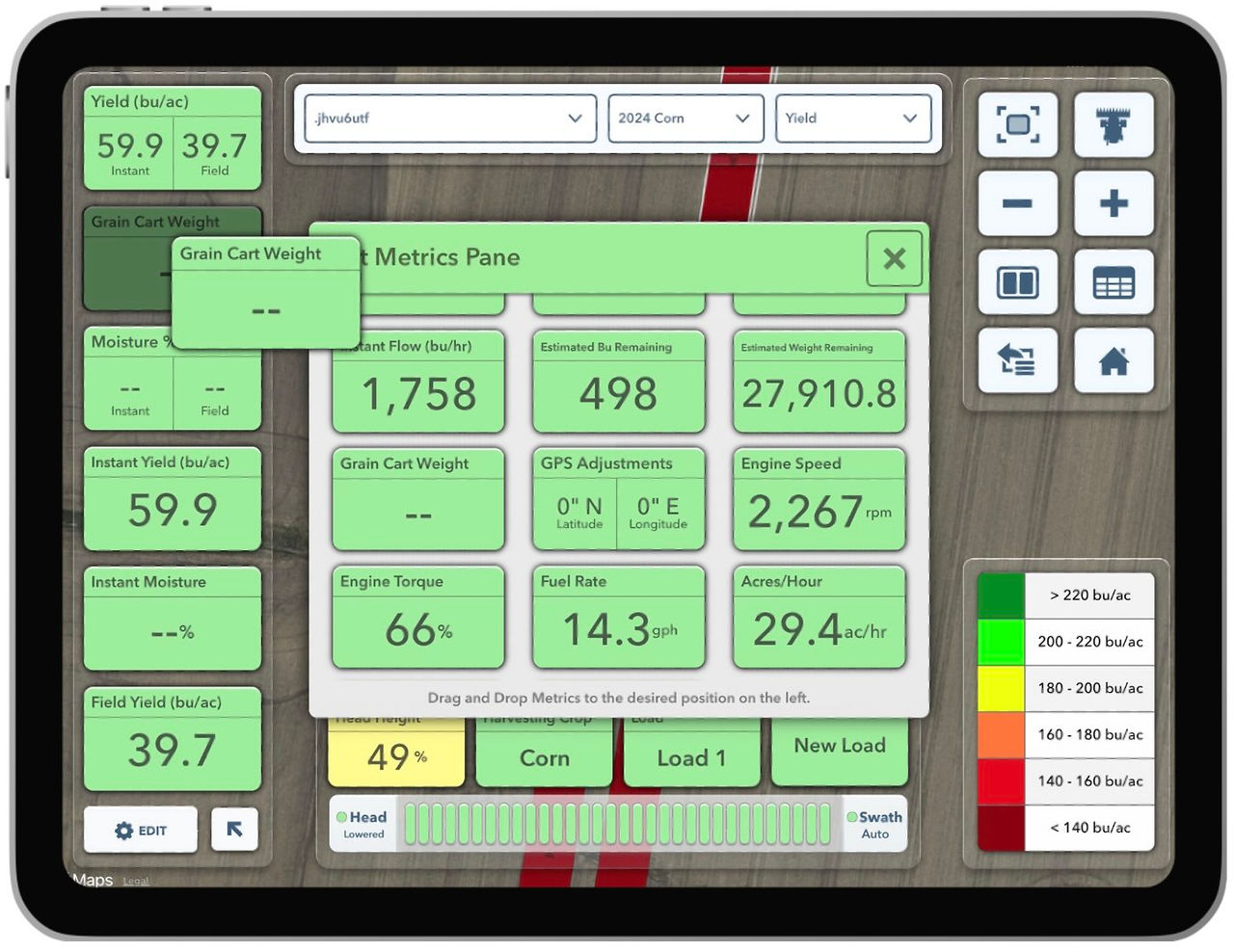
Integrate the Libra Cab app with FieldView to display real-time grain cart weights directly inside the FieldView Cab app. Read and download our guide now.
Discover how FieldView™ connects with agricultural technology partners, equipment manufacturers, displays, and farm management systems to help farmers bring their data together and get more value from it.
Integrate the Libra Cab app with FieldView to display real-time grain cart weights directly inside the FieldView Cab app. Read and download our guide now.
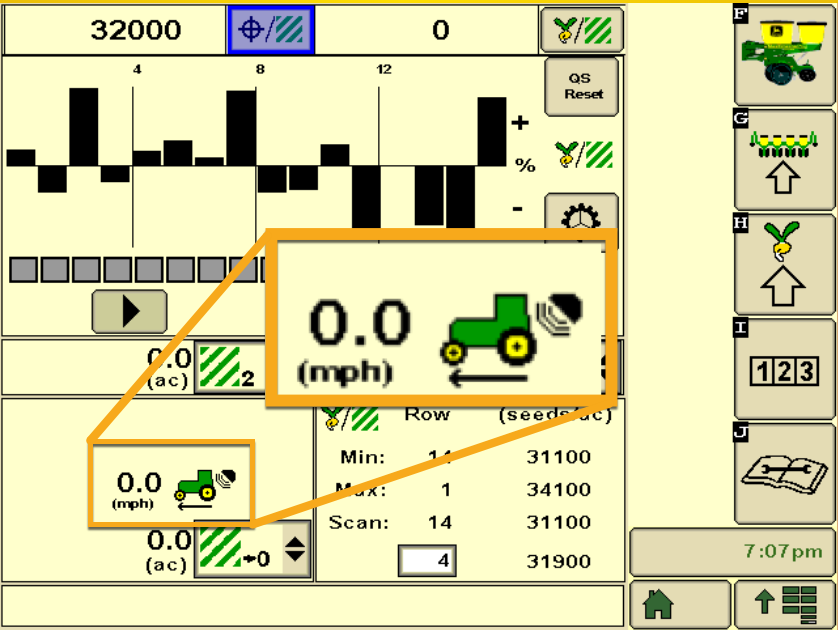
These tips will help you understand which John Deere® SeedStar™ planting controller is being used.
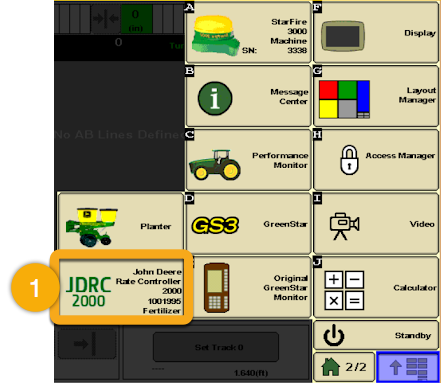
These tips will help you understand which John Deere® rate controller or ISOBUS device is being used.
Integrate the Scale-tec app with FieldView to display real-time grain cart weights directly inside the FieldView Cab app. Read and download our guide now.
John Deere Operations Center connects to your FieldView Account to retrieve field data from FieldView.com. View our step-by-step set-up guide to connect.
Unlock new conversations with expanded functionality by connecting your data to new and existing partners with FieldView Connect. Learn how with our guide.
Our FieldView and Combyne guide addresses any frequently asked questions regarding the partnership & integration. Learn how to connect accounts & more.
Our FAQ guide on FieldView and Vaderstad iCon compatibility addresses your frequently asked questions. Learn about data collection, data transfer, & more.
Learn how to set up the interface between CLAAS connect and FieldView. This step-by-step document takes you through the connection process.
Send data from John Deere to FieldView. This document will guide you on how to connect your John Deere Operations Center account with FieldView.