How to Connect Libra Harvest with FieldView Cab App
Follow these steps to successfully connect your grain cart weight scale with FieldView™
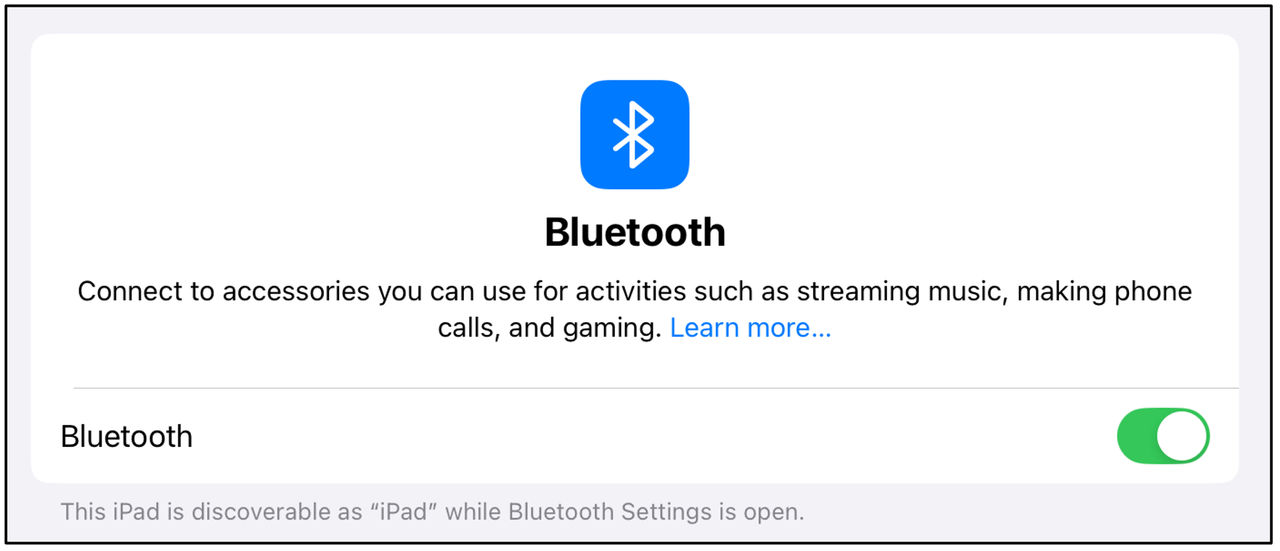
1. Ensure Bluetooth® is enabled on your iPad® device under Settings
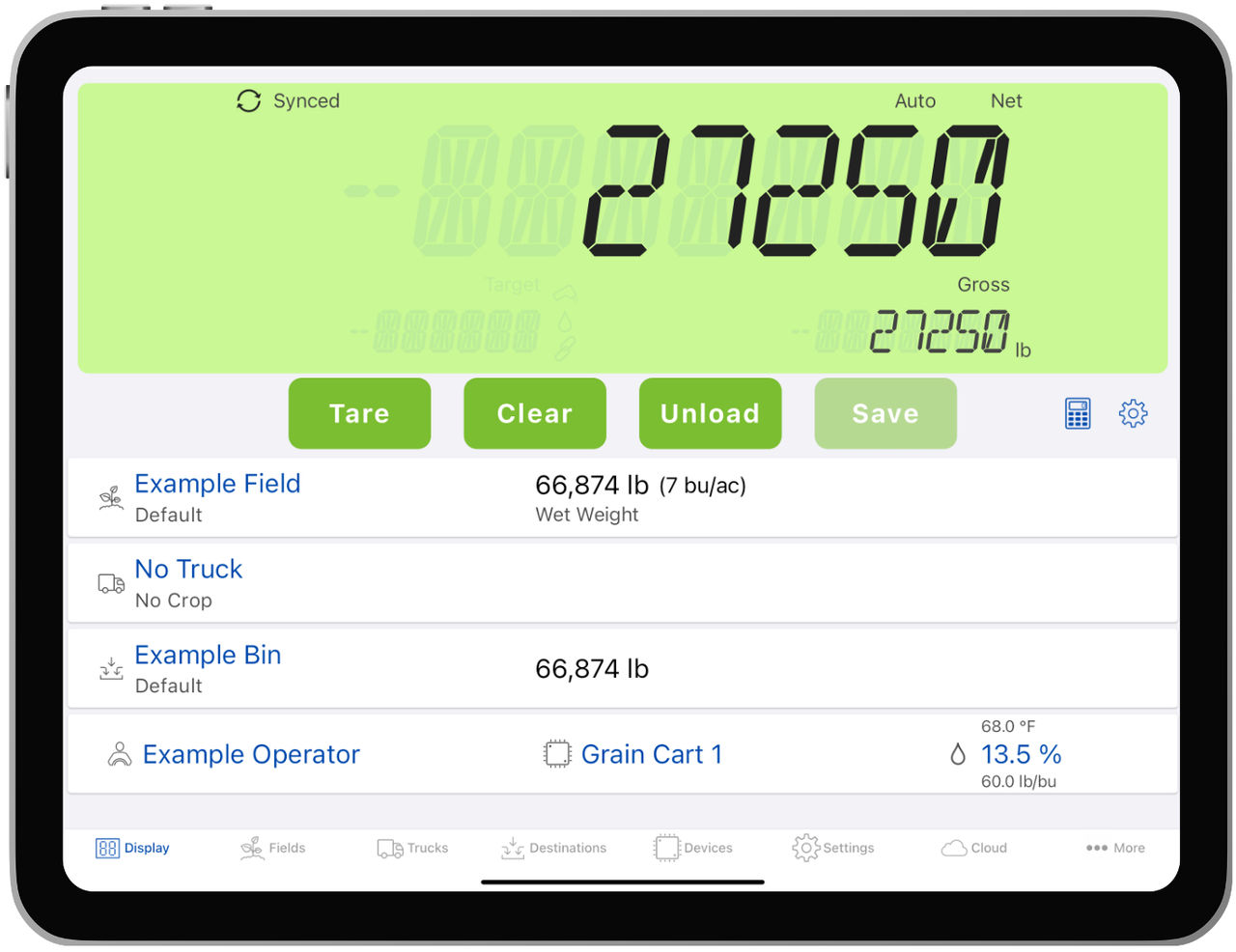
2. Open Libra™ Harvest app and connect to Libra Harvest device via Bluetooth®
3. Once you have successfully connected, navigate to the FieldView™ Cab app
4. In the FieldView Cab app, go to Settings > Devices > Tap to Connect (next to your FieldView Drive device name)
5. Verify correct Equipment is set active
6. To add the Grain Cart tile to the metrics pane, click Edit and scroll down until you see Grain Cart Weight
7. Drag and drop the tile to the metrics pane
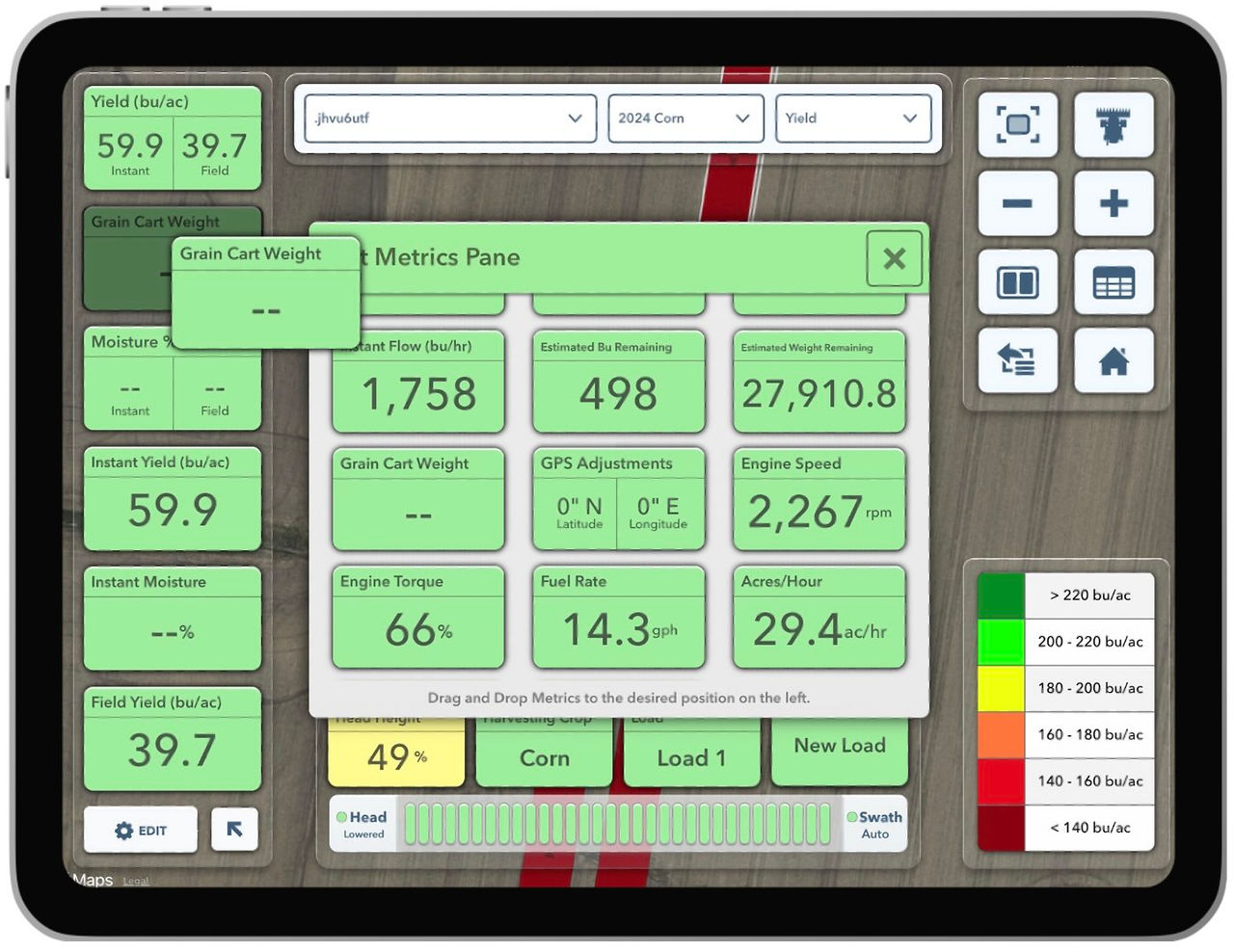
8. If you are in the combine actively harvesting, FieldView™ Cab app will get a read out of the grain cart weight if you are in range
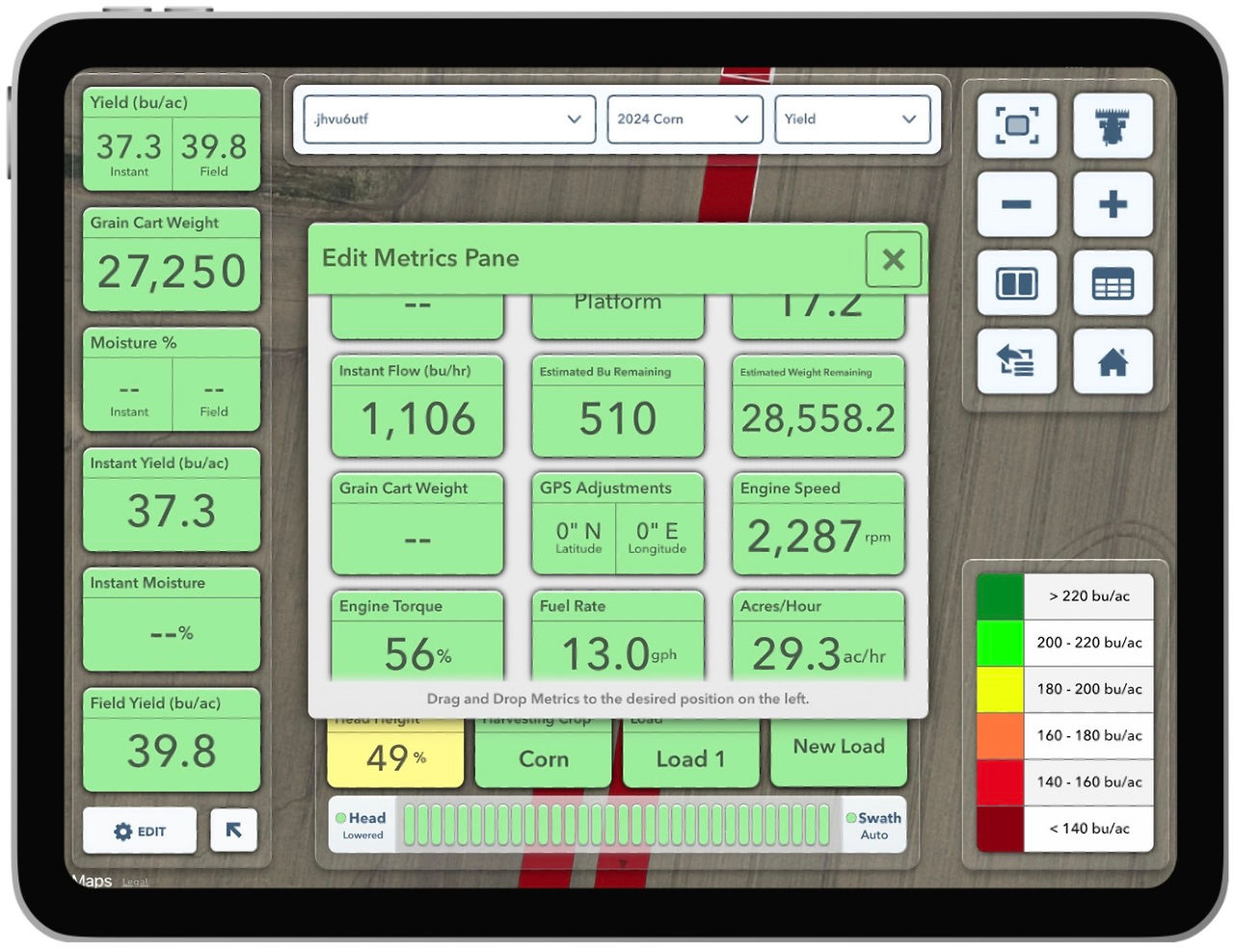
9. You will now be able to see the Libra Harvest data directly through the FieldView™ Cab app and avoid switching back and forth between apps