Troubleshooting Data Inbox on FieldView.com
Overview
Steps to solve common issues that occur when importing data into FieldView™
To upload historical data to be visualized in map layers, utilize the Import feature in the FieldView™ Data Inbox. Historical field boundary, planting, harvest, imagery, and soil test data files can be loaded into the Climate™ FieldView platform.
Data Inbox Compatibility
To ensure a successful upload of data be sure to:
Check Compatibility - Knowledge Center Data Inbox Compatibility List
Zipping a File
- Files must be zipped prior to importing into FieldView™
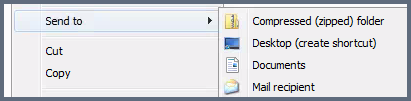
HOW TO ZIP A FILE ON A PC:
- Locate the file that you would like to compress/zip on your laptop, desktop or USB drive.
- Right click on the file or folder you would like to compress and hover cursor over the Send To option, then select the Compressed (zipped) folder.
- The new compressed/zipped folder will appear on your desktop.
Requirements:
To upload you must have raw files that have been exported from a compatible monitor or export from one of the Farm Management Information Systems referenced on our compatibility page.
- support.climate.com - Compatibility
- Go to climate.com and click on:
- Import - Upload Files - Select the file that contains data and click Open - Select the data files you wish to import, select Import
- Common trouble spots:
- File size must be less than 2GB.
- Must have internet connection.
- File must be compatible-check Data Inbox compatibility
- File must be zipped.
- Zipped files within a zipped folder could cause failures.
- The zipped file cannot be a .7zip file or .winzip file.
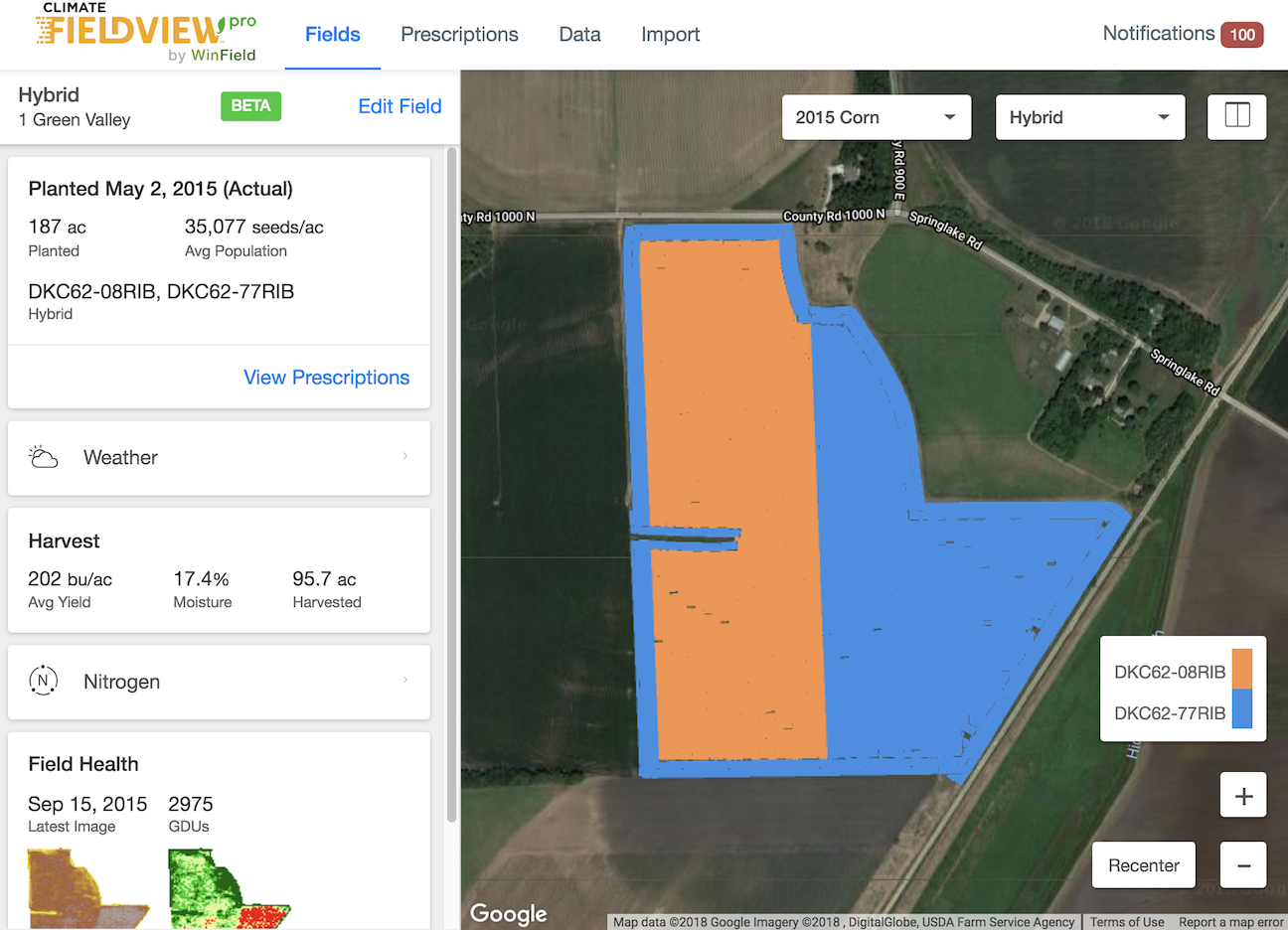
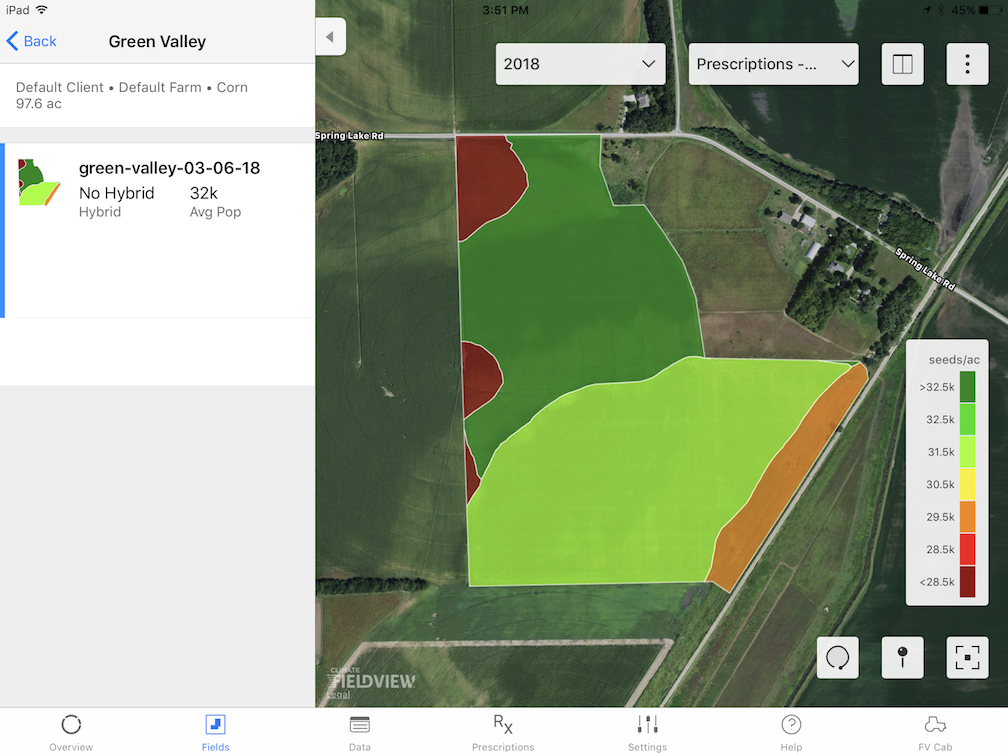
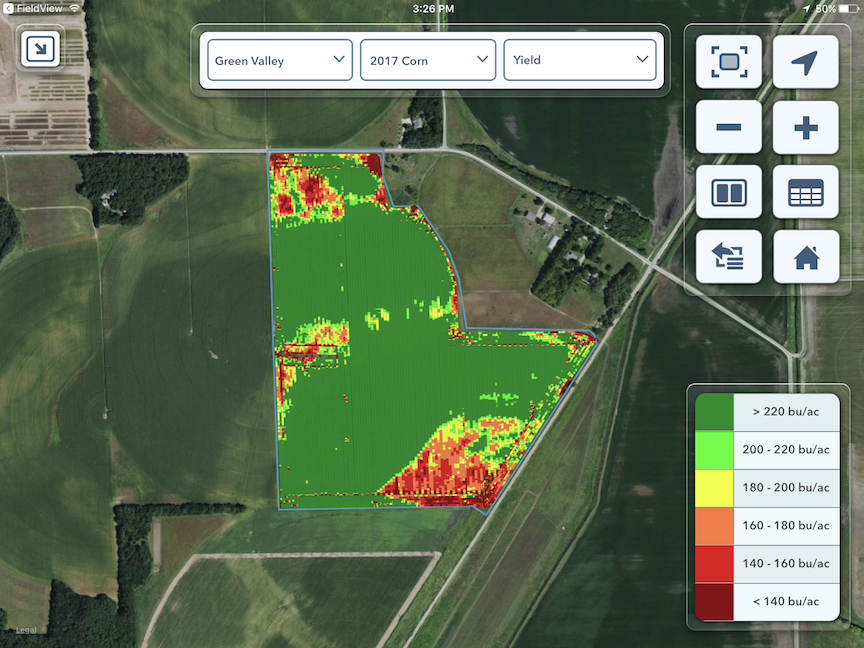
- Visualize Your Data in Three Places:
- climate.com > Map (Plus subscription required)
- FieldView App > Fields
- FieldView™ Cab app > Map (Plus subscription required)