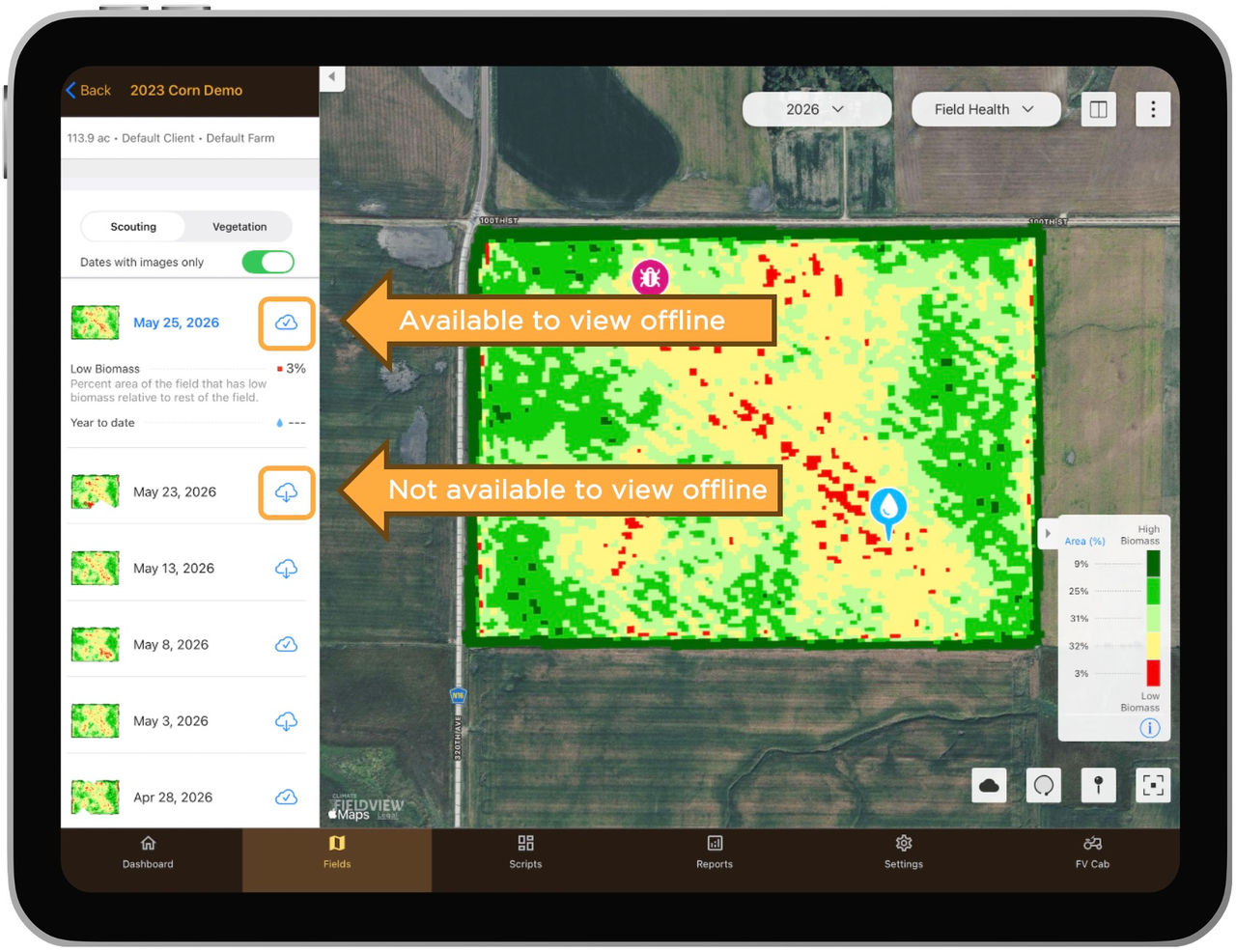
Download Field Health Imagery with FieldView Cab App
Overview
Take your field maps to-go even without an internet connection using our new, downloadable Field Health Imagery and Color Maps.
Available on: Apple iOS™
This new functionality, released in FieldView™ iOS™, will allow users to select and "save" scouting and vegetation maps, so that they can visualize them once in their fields, allowing users to monitor crop development and make real-time notes without requiring an internet connection.
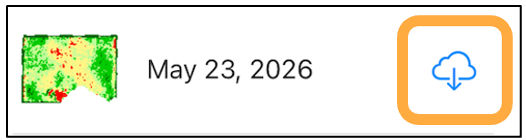
1. From the Fields tab - navigate to the field of choice, choose the image you want to download and tap the icon.
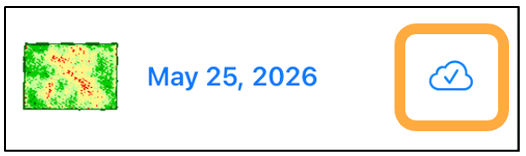
2. Once the image is downloaded, the icon will appear as follows.
Note: Scouting and Vegetation images must be downloaded separately.