Aug 21, 2025
How to Turn Off Automatic Software Updates
Follow these step-by-step instructions to turn off automatic software updates
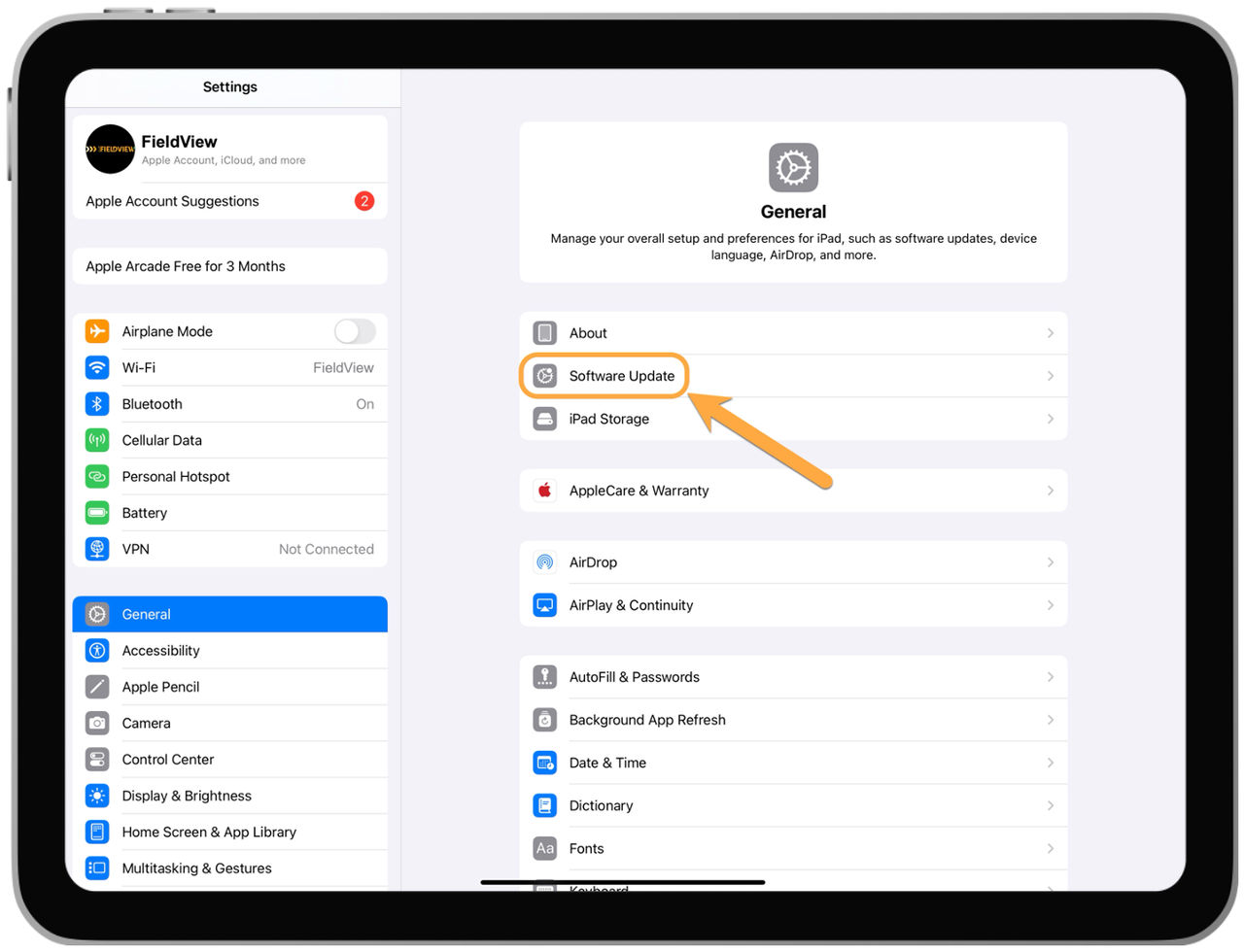
1. Go to the Settings app on the device.
2. Scroll down and select General.
3. Tap on Software Update.
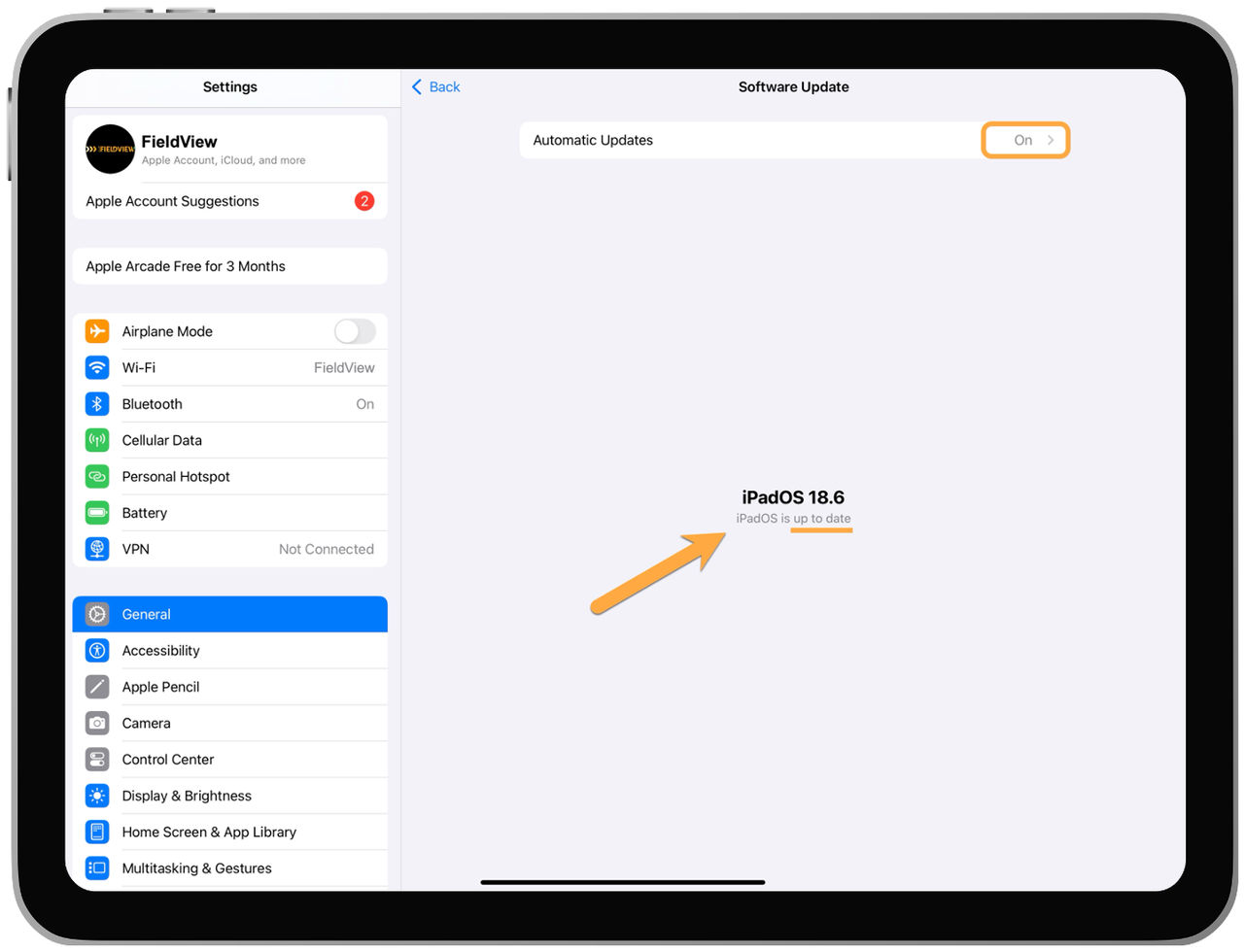
4. If your Automatic Updates are set to ON, tap on Automatic Updates (you will also see here whether you're up-to-date on your iPadOS software).
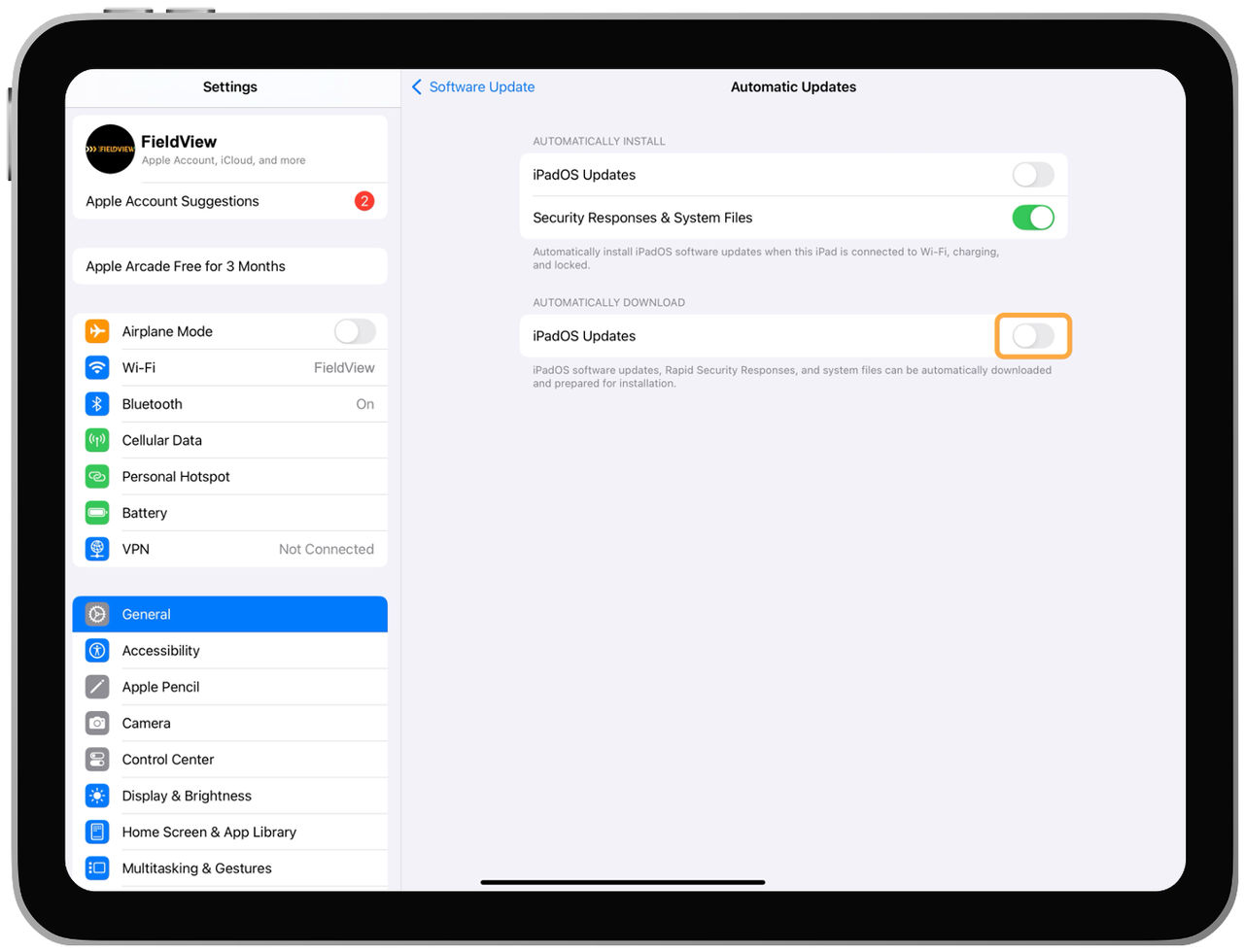
5. Click and drag selector for Download iPadOS Updates to the left to turn off Automatic Updates.
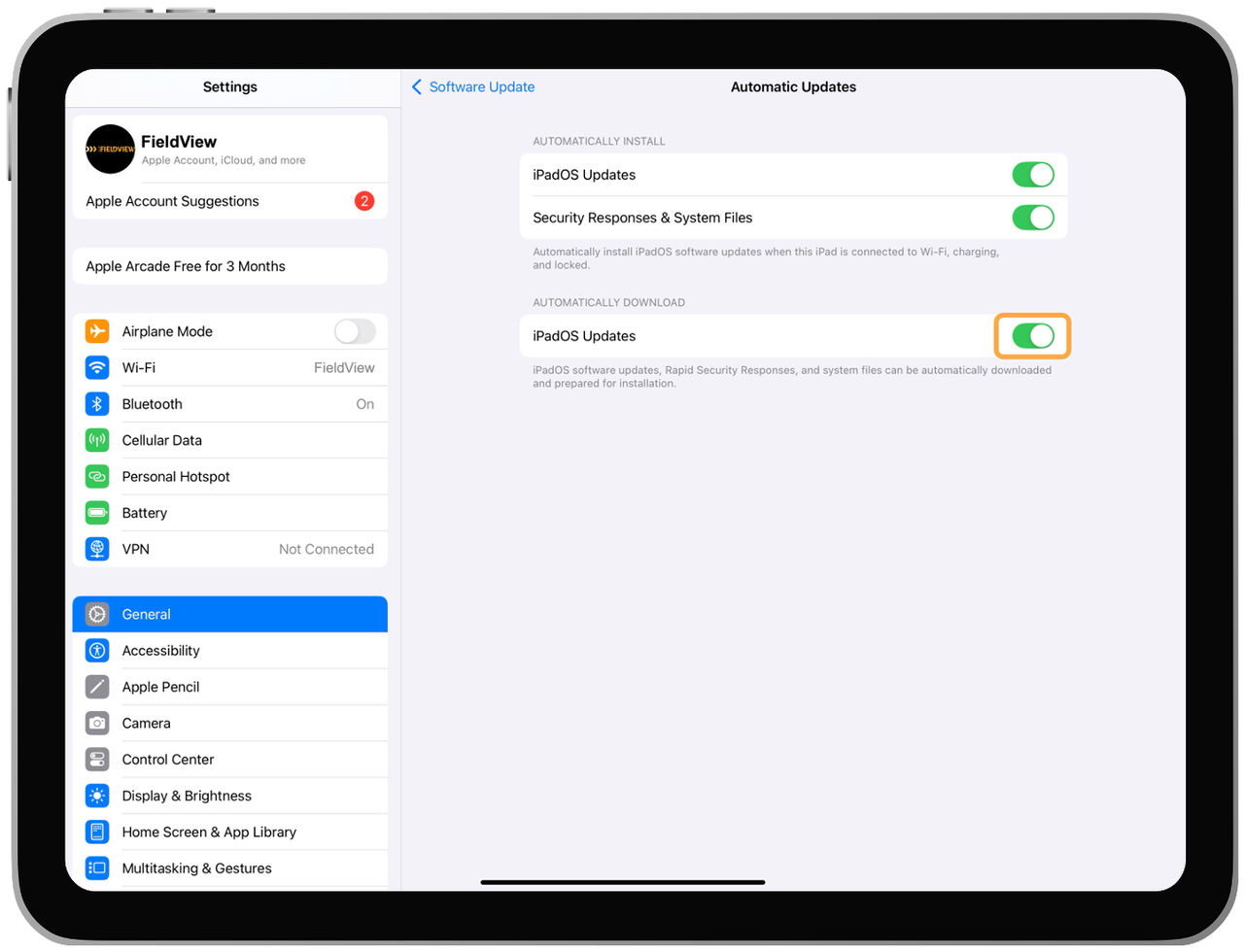
- Automatic Updates will be verified as turned off when it shows greyed out.