Aug 21, 2025
How to Update iOS™ Software Versions on your iPad® Device
Follow these steps to update the iOS software version on your iPad® device.
1. On your iPad® device, go to the Settings app
2. Scroll down on the left-hand side of the screen until you see General
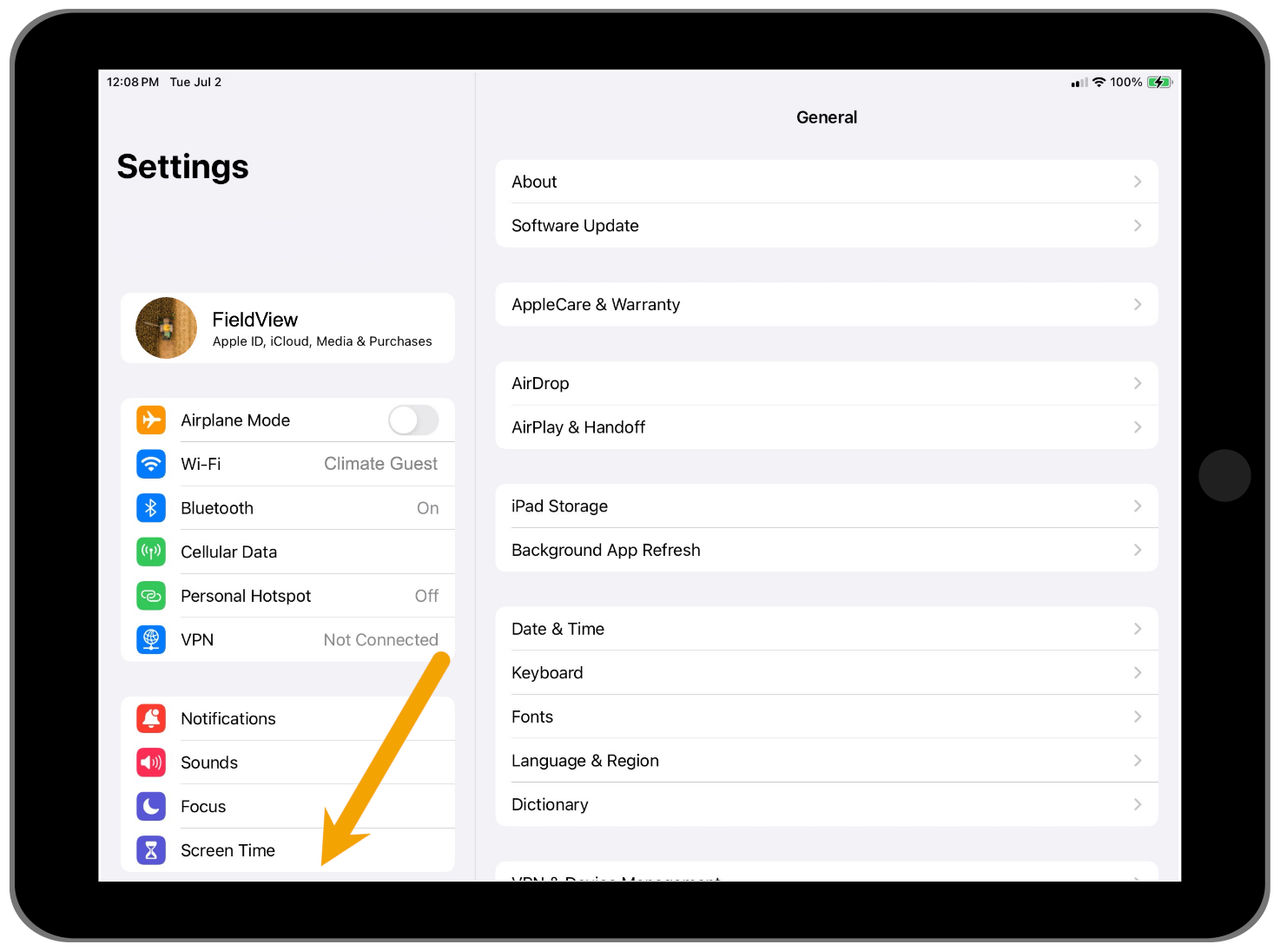
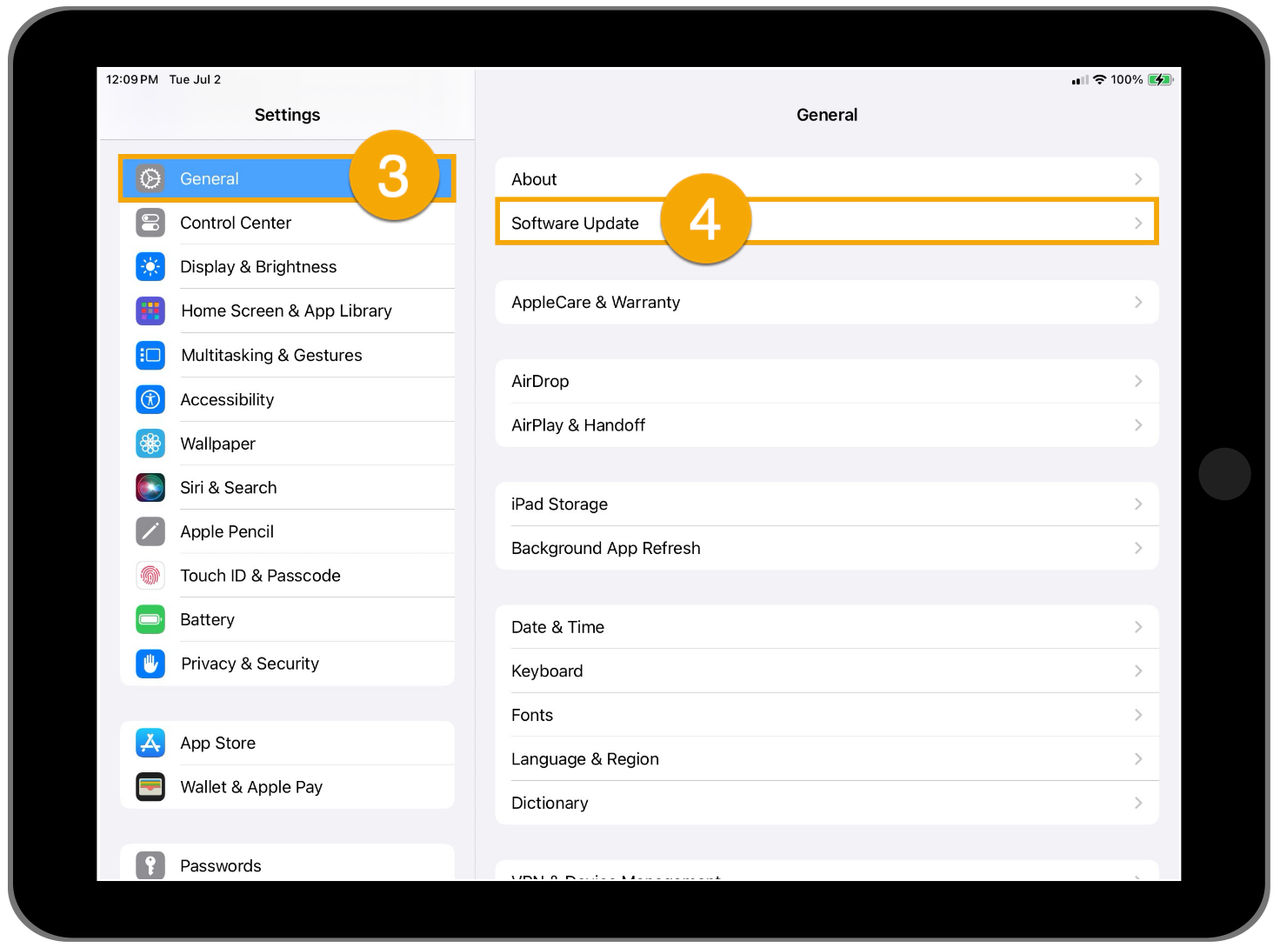
3. Select General
4. Select Software Update
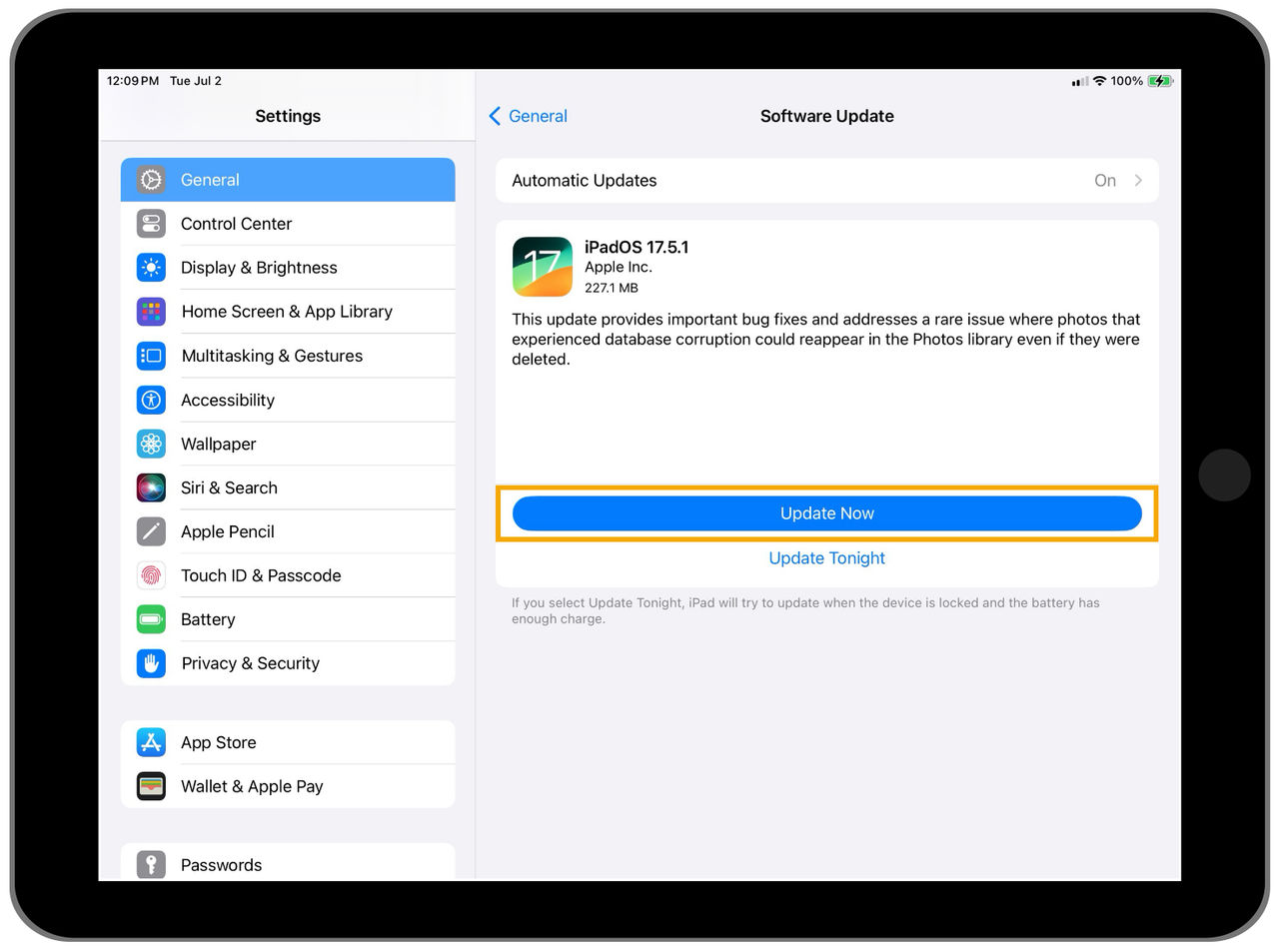
5. Select Update Now
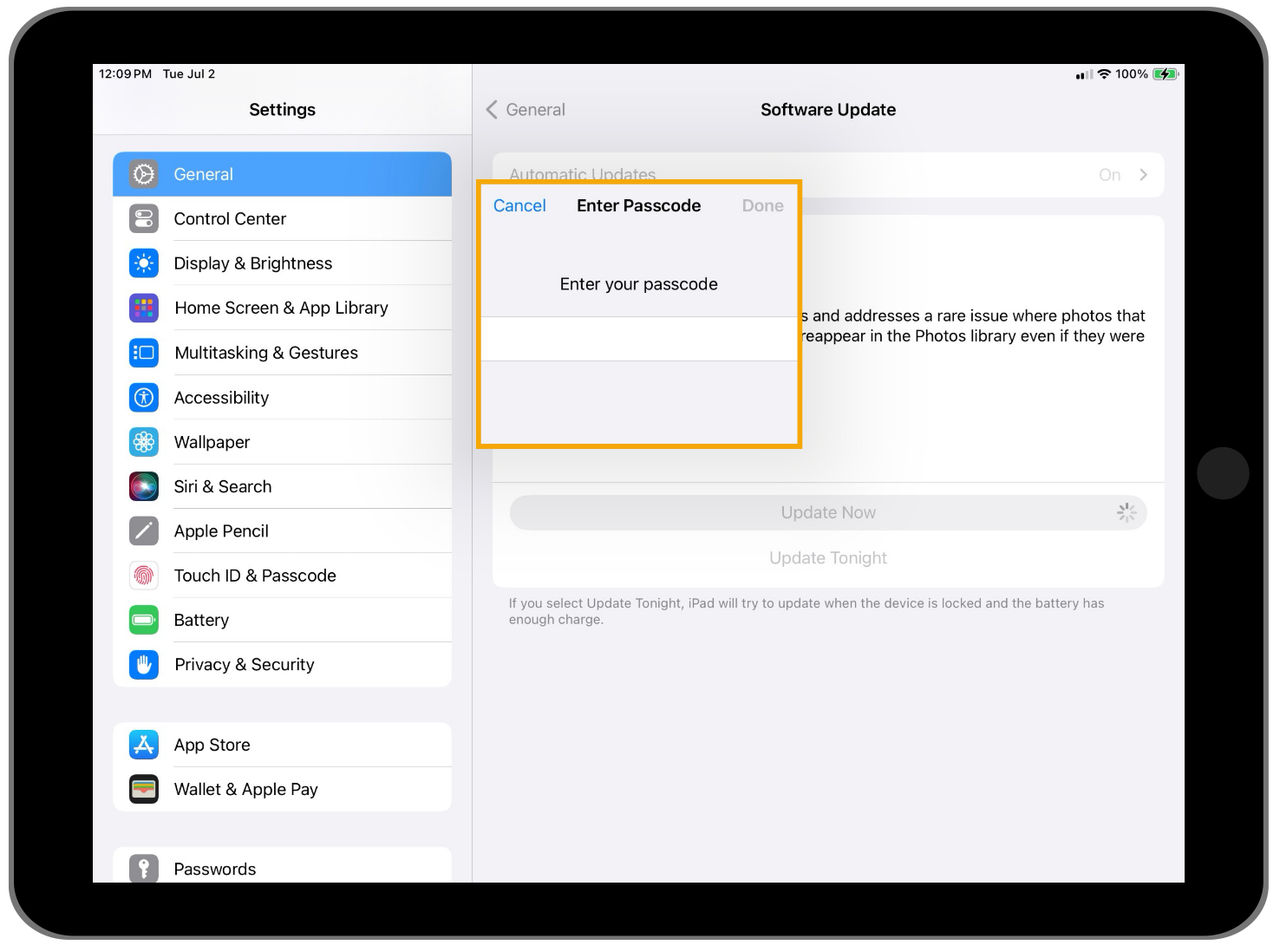
6. Here you will need to enter your passcode used to unlock your iPad® device (if applicable)
7. Click Done
8. You will now be able to see the progress of your download
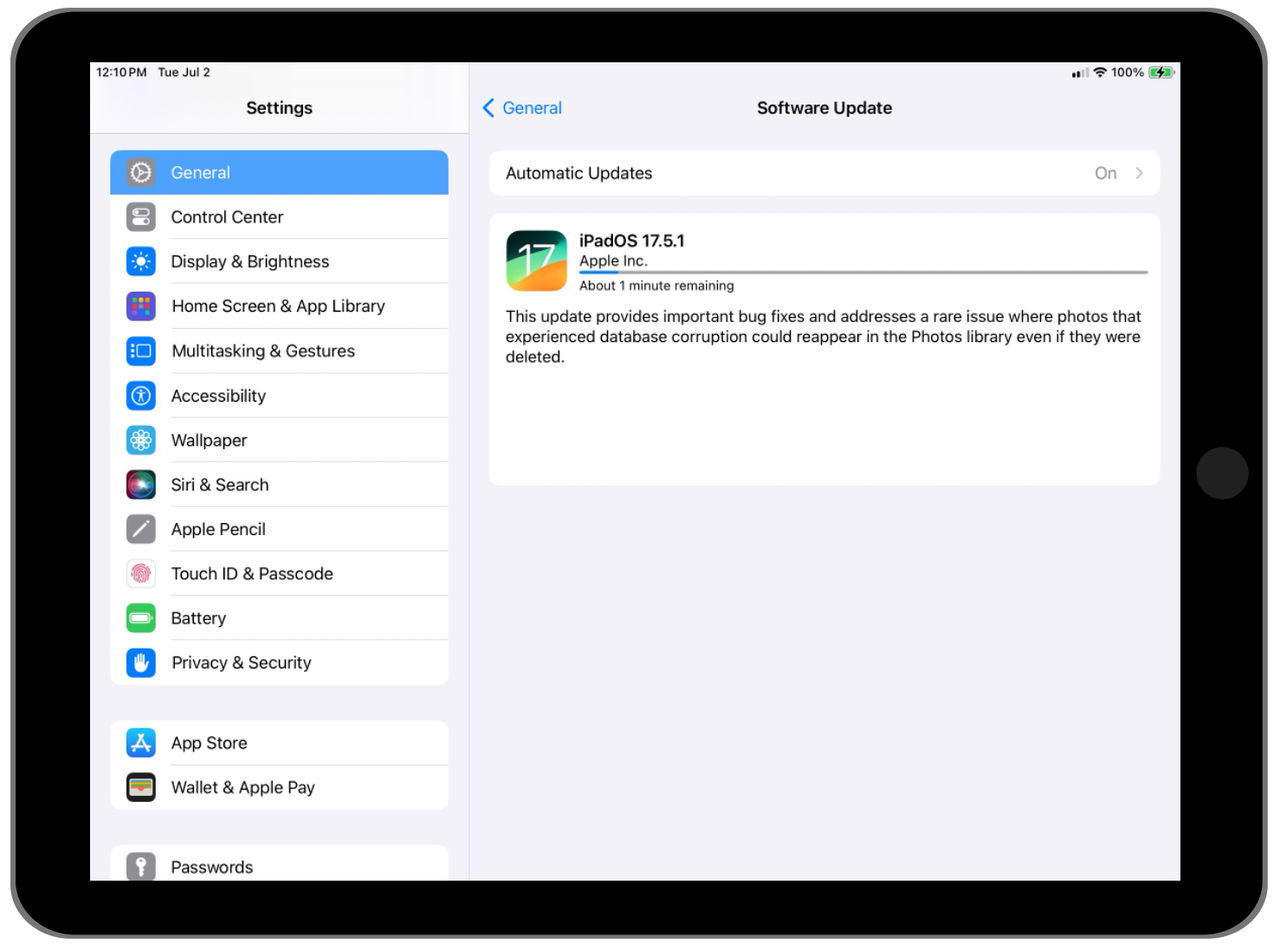
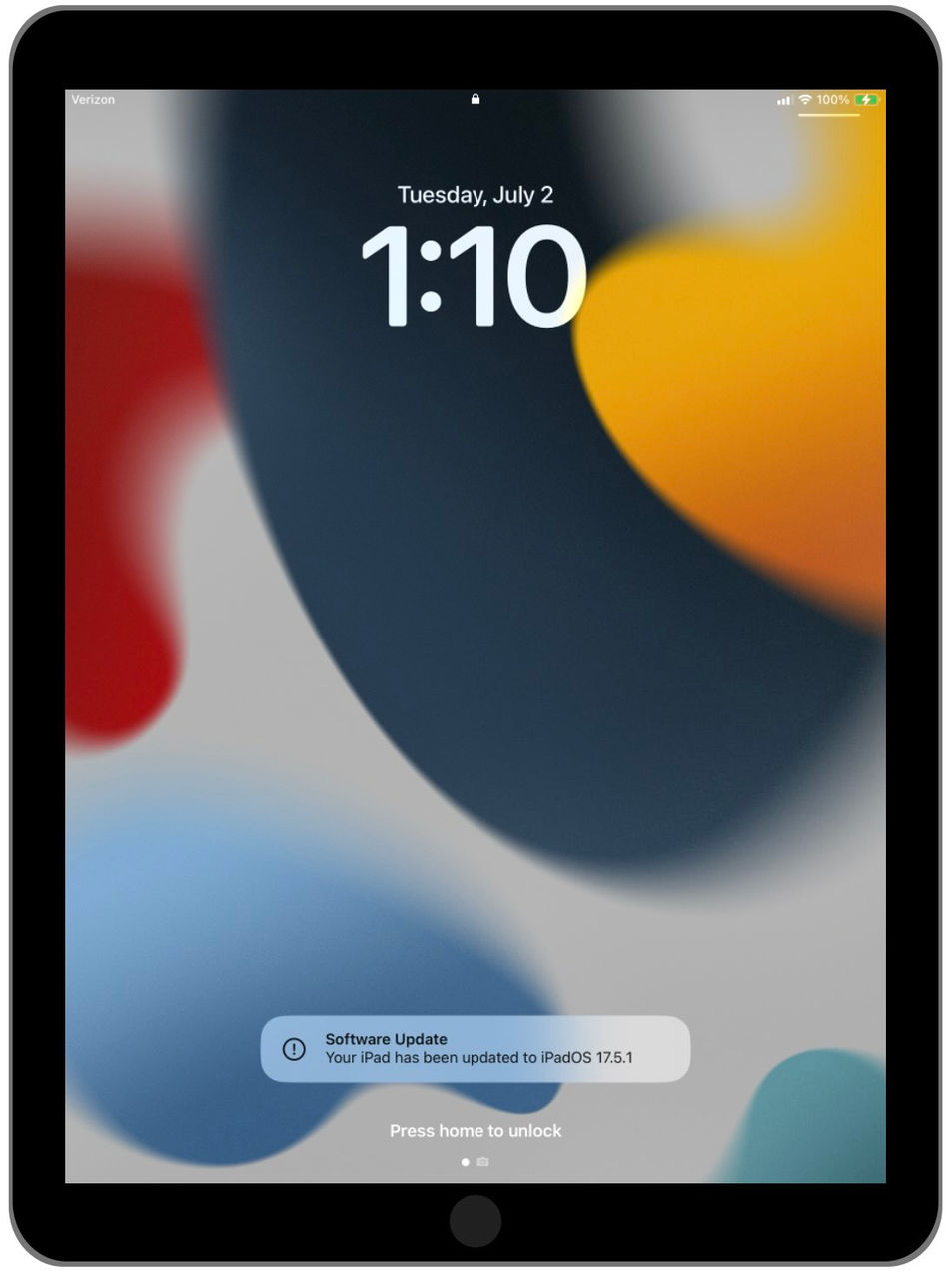
9. After the install is complete, you will receive the following message: "Your iPad has been updated to iPadOS (updated version number)"