View Your List of Field Names in FieldView Cab App
Overview
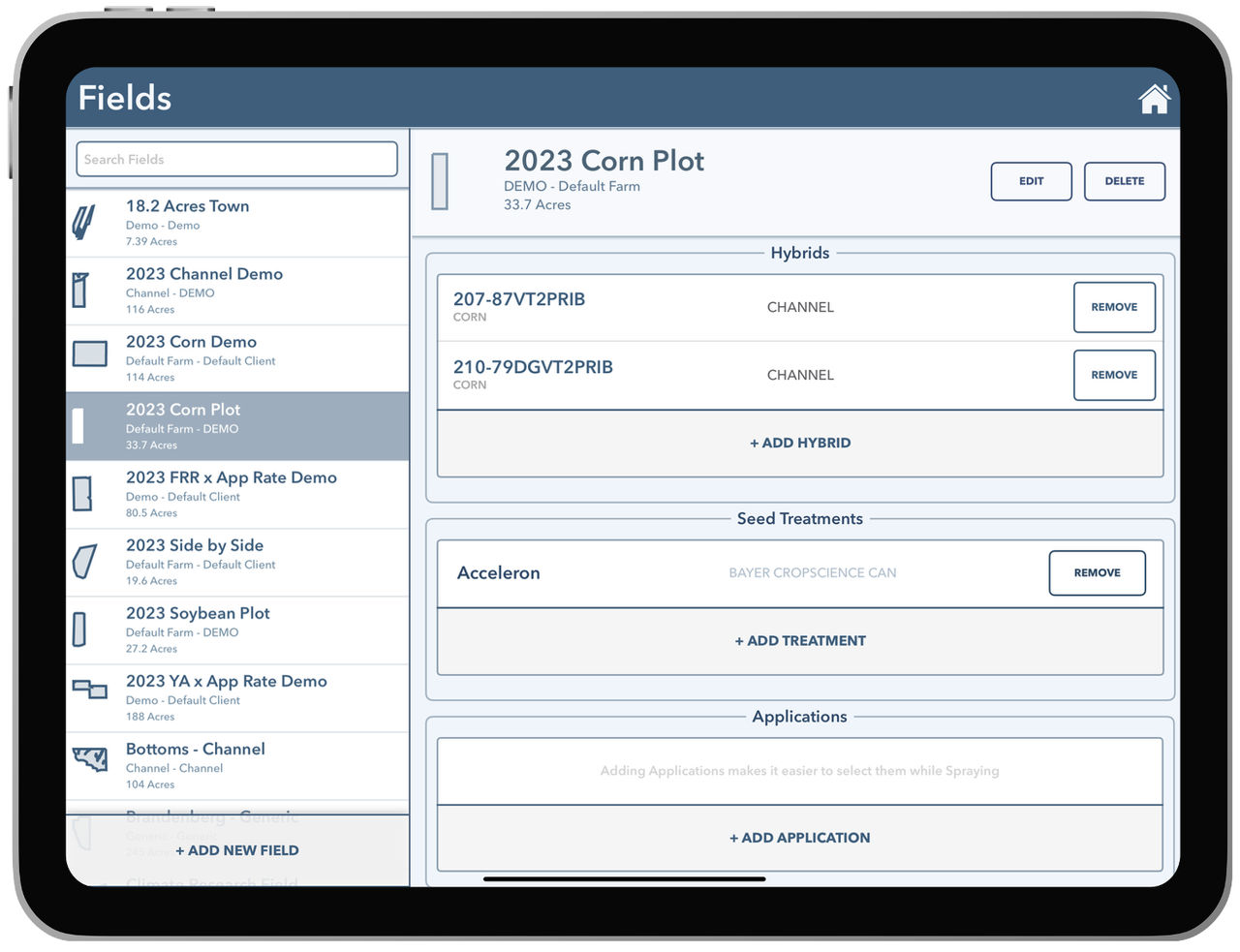
Fields displays a list of all field names in the FieldView™ Cab app.
Available on: Apple iOS™
Fields
Fields displays a list of all field names in the FieldView™ Cab app. The list on the left hand side is in alphabetical order and can be reversed by pressing the button.
Additionally, the Search Fields textbox at the top will allow you to search for a specific field name. Selecting a field brings up the manager for that specific field. This will allow you to either edit or delete the field. Deleting the field will delete field data for all years from the iPad and the Cloud account.