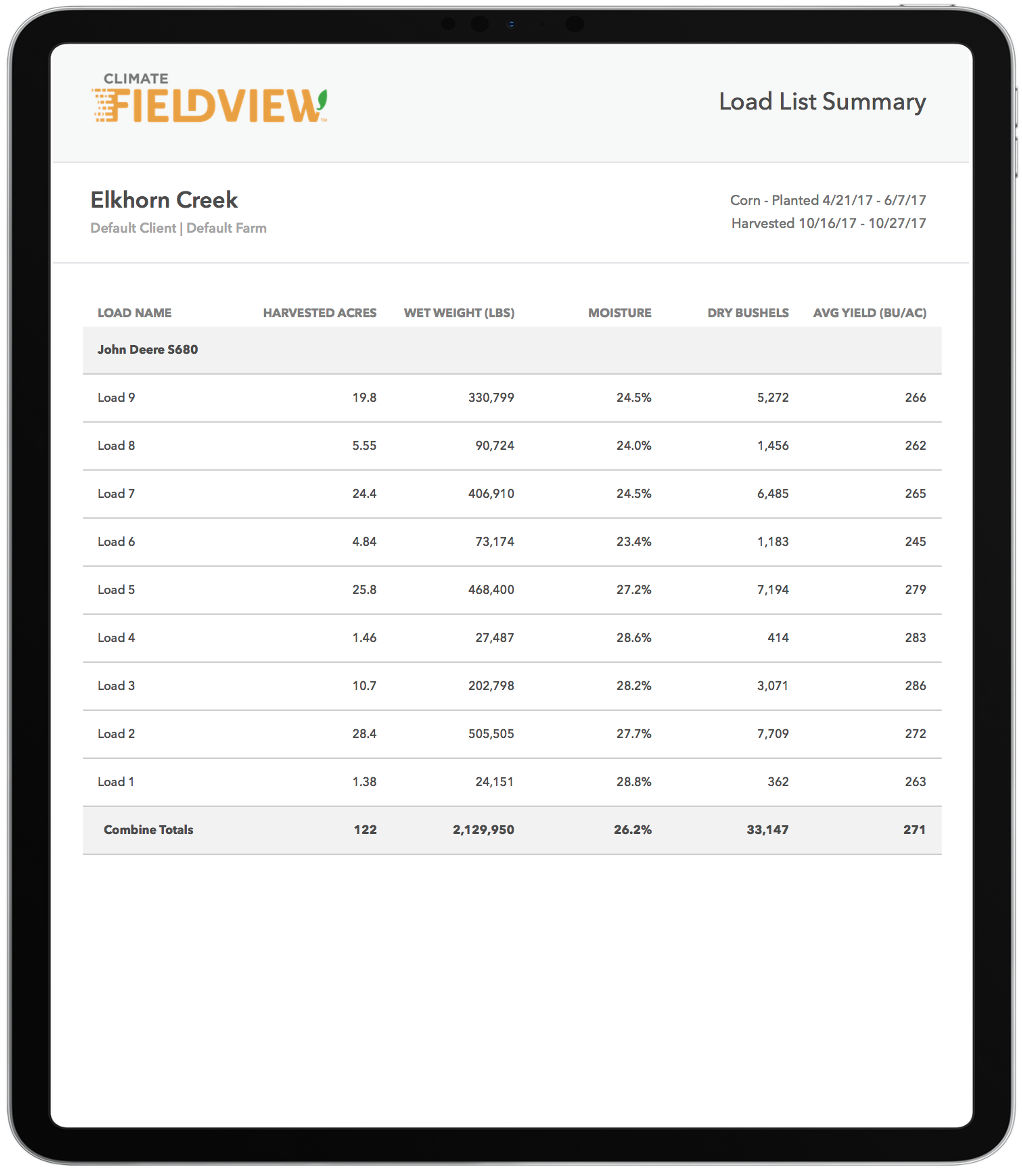
Edit Yield Data in the FieldView Cab App Hybrid Load List
Overview
The Load List allows the operator to divide field data into separate sections allowing for quick identification and analysis of hybrid performance.
Yield Analysis with FieldView Cab App’s Hybrid Load List
Following harvest, the Load List shows Harvested Acres, Wet Weight, Average Moisture, Dry Bushels, and Average Yield for each planted Hybrid which the user can edit by simply tapping on the load list report and the desired data to change.
When FieldView Cab is connected to a 20/20 running YieldSense, only load name and weight are editable while plugged in.
Note: Edits made to loads in the Load List do not change the raw data or any of the other maps or reports in FieldView. Edits made in the Load List will only appear on the Load List report.
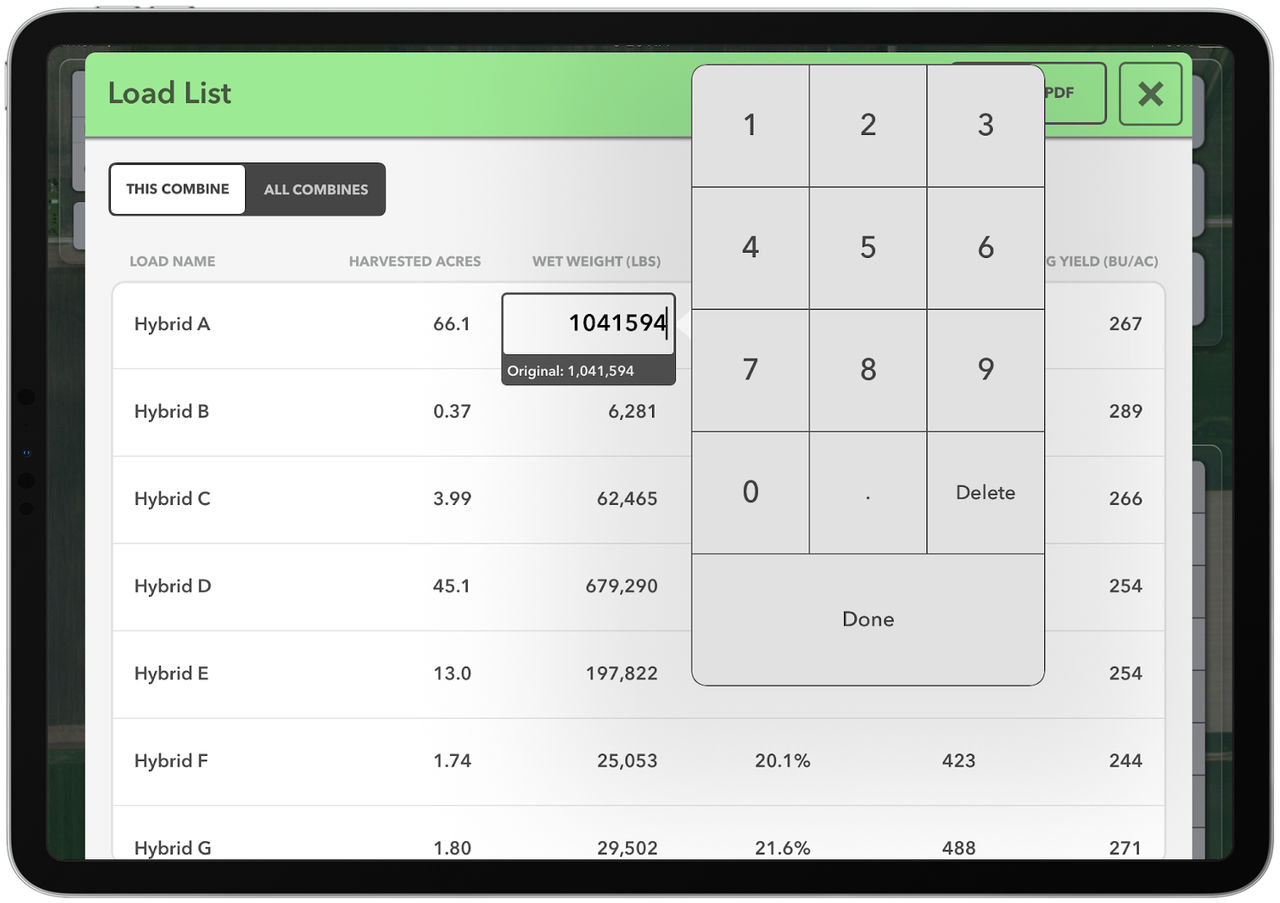
Users also have ability to create a printable PDF from the Load List. Simply tap the ‘Create PDF’ button in the upper right of the Load List.