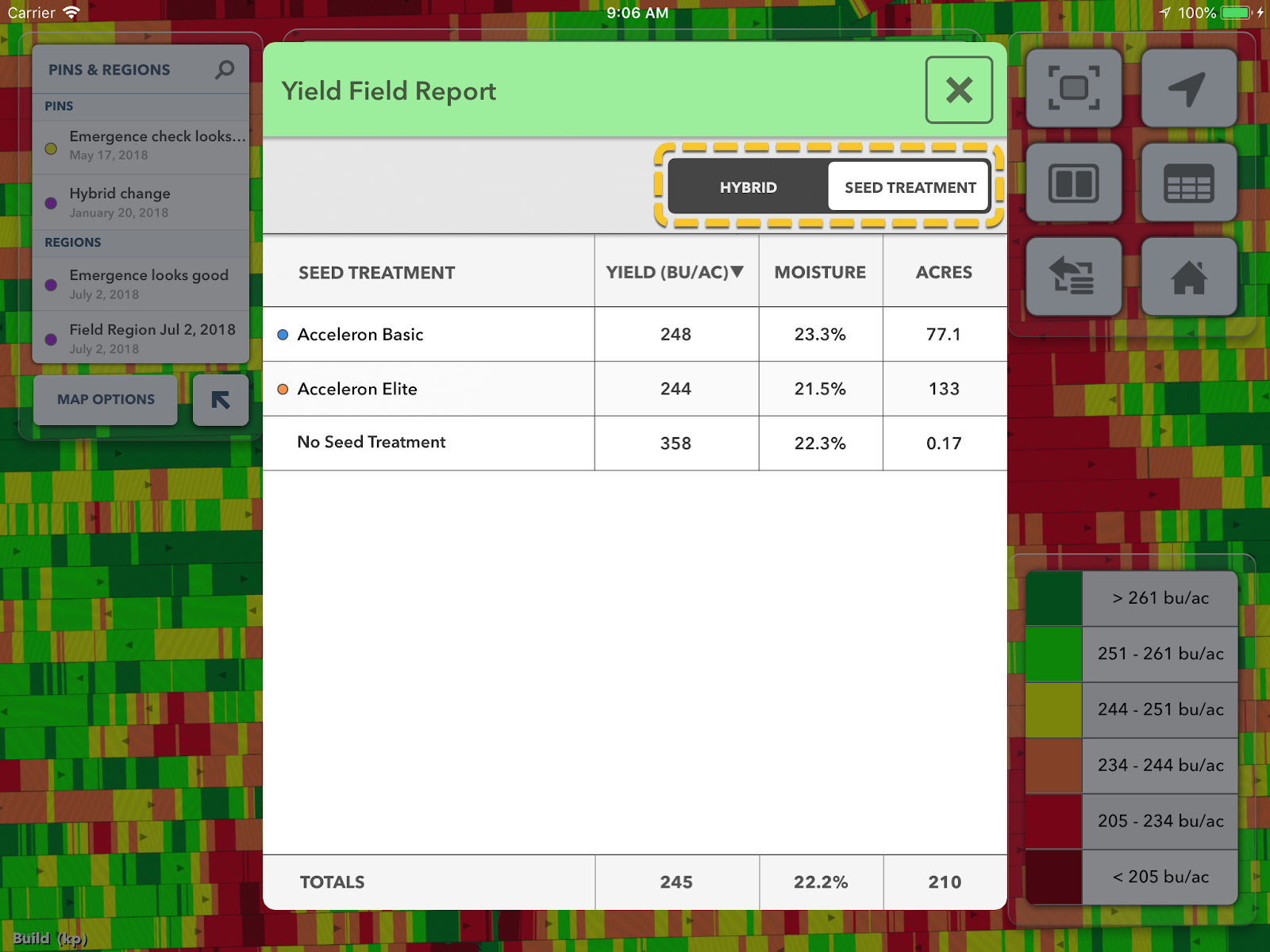
Viewing Yield by Seed Treatment in FieldView Cab App
Overview
FieldView™ Cab app enables easy analysis of the impact seed treatments had on yield.
Where to View Yield by Seed Treatment in FieldView Cab App
Harvest Summary Report
1. View Yield-by-Seed Treatment on the Harvest Summary Report by tapping the Summary Report button while viewing the Yield map.
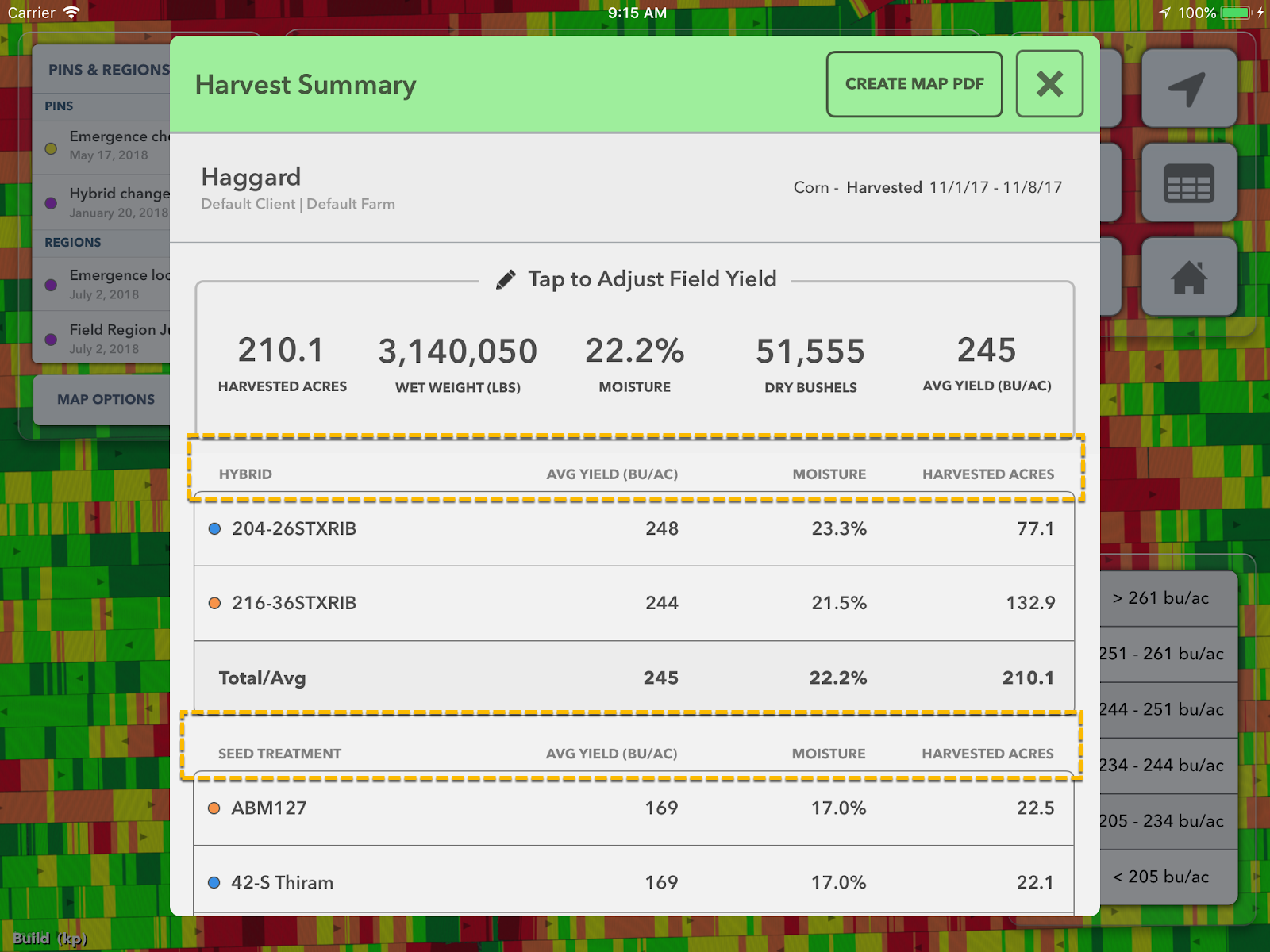
2. Yield-by-Seed Treatment is added below Yield-by-Hybrid on the Harvest Summary and PDF.
Yield Field Report
1. View Yield-by-Seed Treatment on the Yield Field Report by tapping the Field Report button while viewing the Yield map.
2. Then switch from Hybrid to Seed Treatment using the control in the upper right.