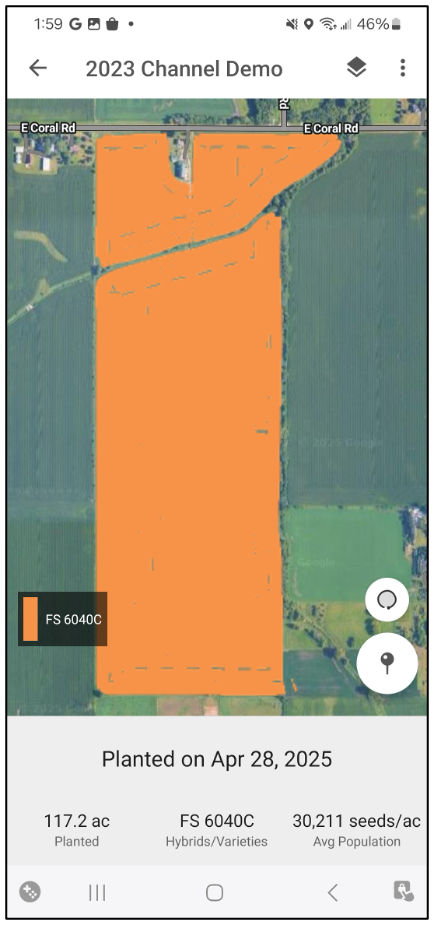
How to View FieldView Timeline for Google Android in FieldView App
Overview
FieldView Timeline provides users with a chronological field history including information on planting, application, harvest and scouting activities as well as rainfall events.
FieldView Timeline Guide for Google Android
This simplified timeline makes it easy to access a complete series of events for individual fields to make year-end assessments or to help make in-season decisions without having to navigate to multiple locations within the platform.
1. Navigate to the FieldView™ app
2. Tap the Fields tab at the bottom of the screen
3. Select desired field
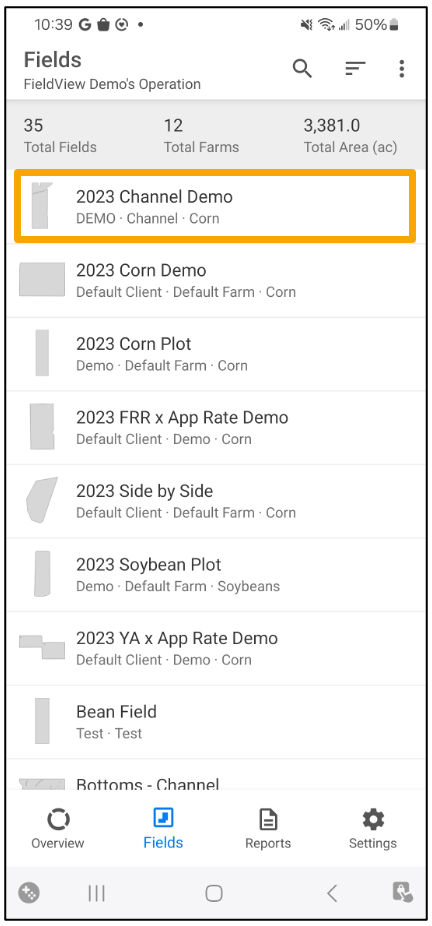
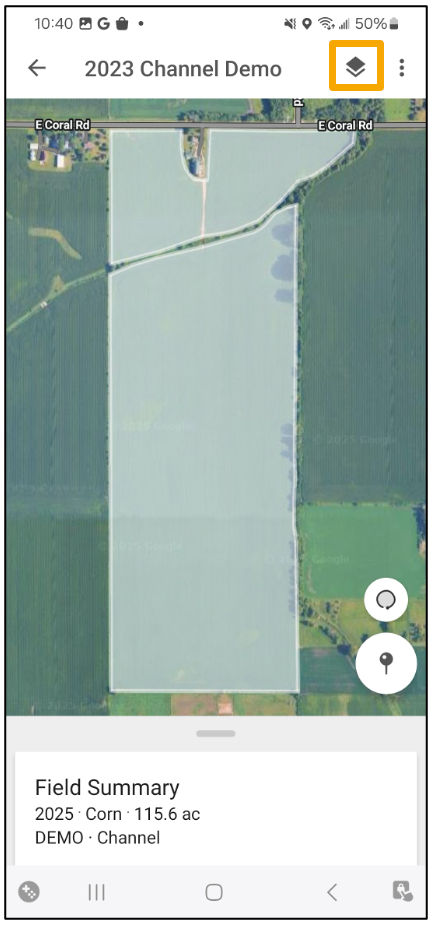
4. Select the Map Layers button
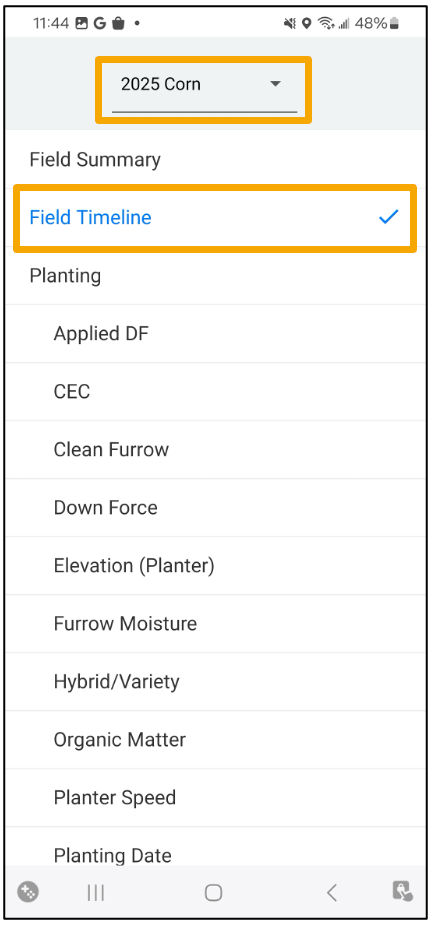
5. Choose the crop year from the dropdown and tap Field Timeline
a. You can also access the FieldView Timeline by scrolling down on the map screen
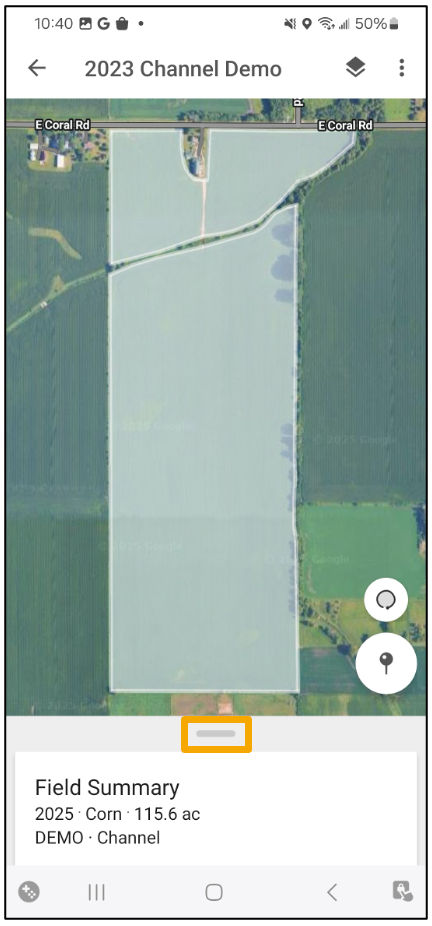
b. Select Open Report in the Field Timeline box
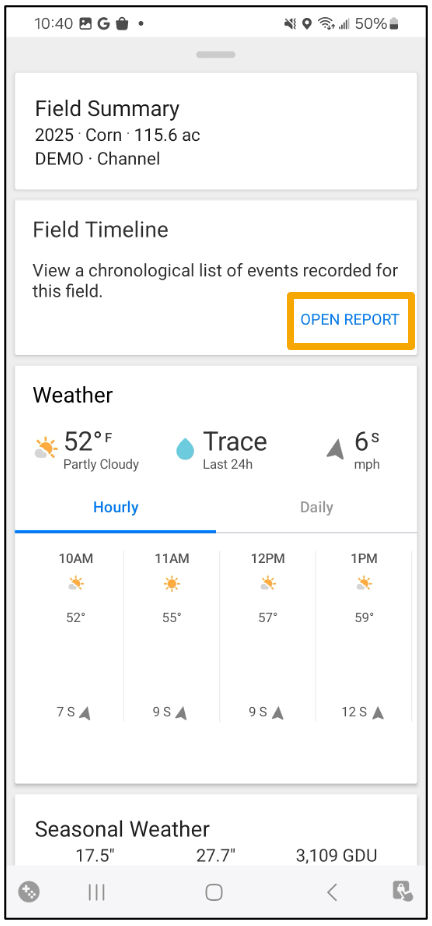
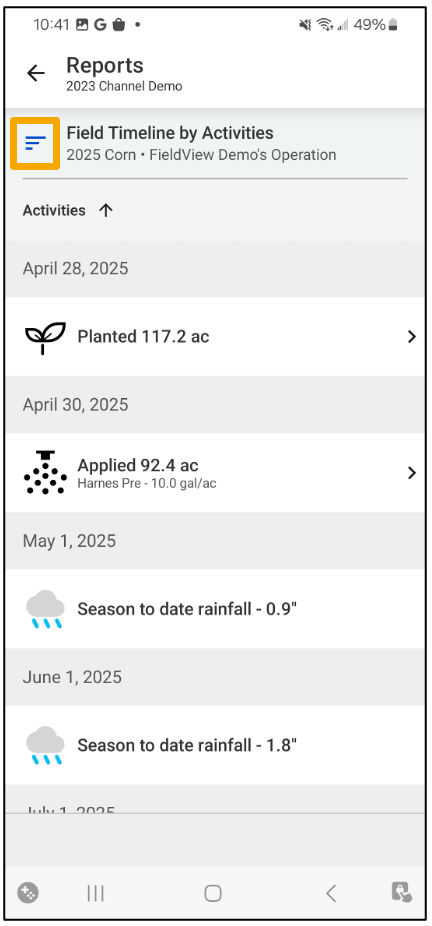
- This page provides a timeline of events that occurred within a single field over the course of a growing season
- Select the filter button to make any adjustments
- To navigate directly to a map layer from a specific activity on the FieldView Timeline (i.e. Planting activity > Hybrid map layer, Harvest activity > Yield map layer, etc.), simply click on the arrow to the right of the activity (if applicable)
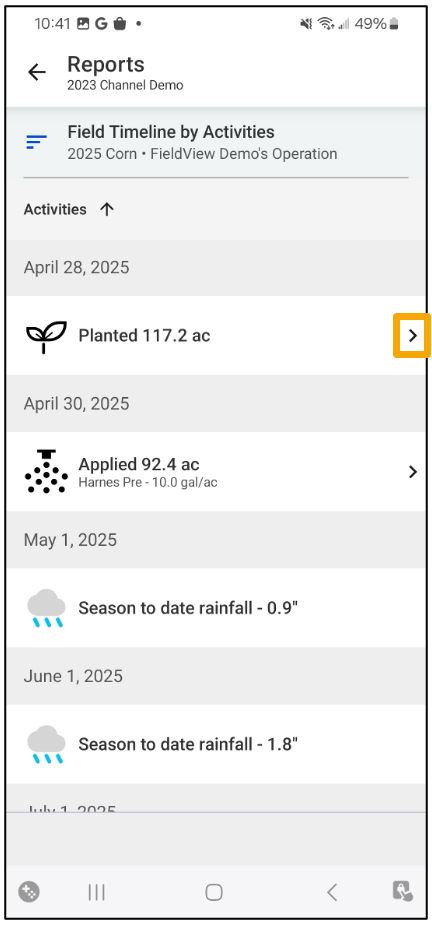
- You will be directed to the selected activity