10 Years of FieldView™: The Early Years of Digital Farming
The smart farm: it’s a concept we’re all familiar with today. That’s thanks to the work of a few innovators in agricultural technology. Let’s meet some of them.
Prepare for planting season with these seven essential reminders. Ensure your equipment is compatible, map field boundaries, preload seed data, update the FieldView Cab app, sync your data and install the FieldView™ Drive 2.0 for seamless precision farming. Learn how FieldView™ helps you track and optimize every step.
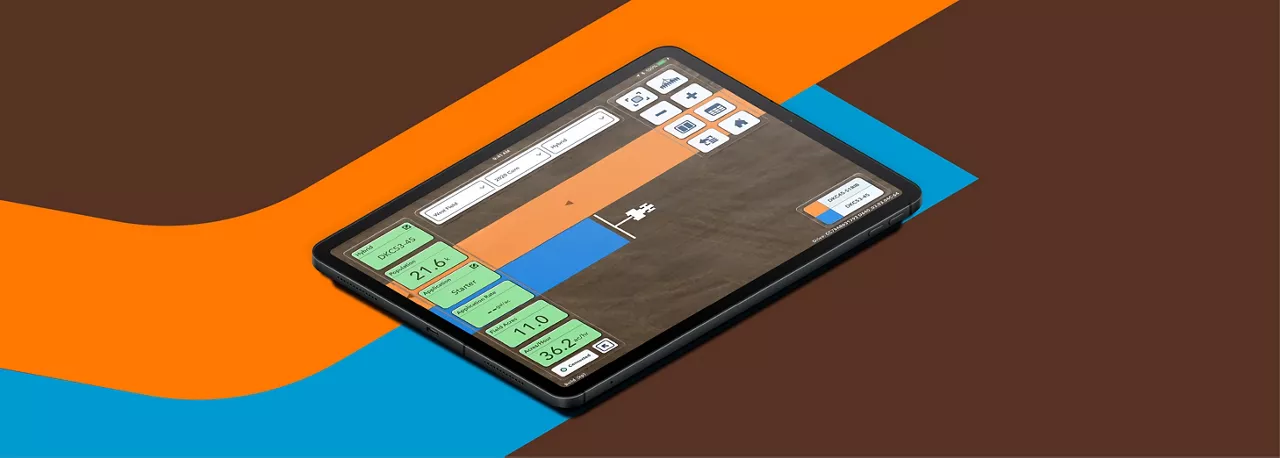
Planting season has many moving parts. You have to get your fields, equipment and crew ready for when the time and weather is right. Luckily, FieldView can help you measure, track and manage every move of the planting season with precision farming technology.
Click here to see if your planter is compatible with the FieldView™ Drive or the FieldView™ Drive 2.0. If you haven’t already upgraded, now is the time. The Drive 2.0 offers more storage and faster data transfer, ensuring you never lose important field data (even if your tablet isn’t connected). At the end of the day, the Drive 2.0 also offloads data in minutes instead of hours. Plus, its stronger Bluetooth connection keeps everything running smoothly, so you can stay focused on planting.
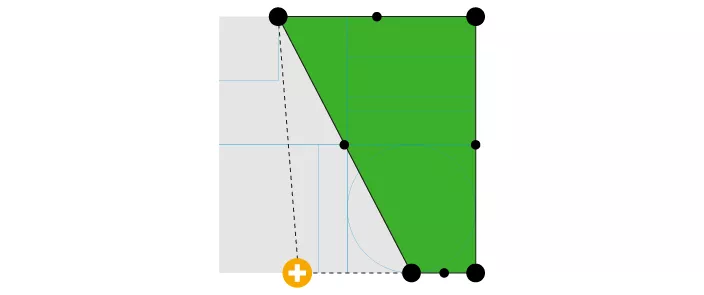
Before you head to the field, confirm your boundaries are exactly where they should be. If this is your first time entering or adjusting boundaries, watch this short video to learn how.
If you’ve already mapped your field boundaries, it’s always a good idea to review them before you plant. If you’ve added something like drain tile or a fence, consider excluding that area from your boundaries to avoid altering the data.
You want to know exactly what worked and what didn’t after harvest. Having precise harvest data starts by collecting precise planting data. One of the simplest ways to ensure accuracy is by preloading your hybrid names, seed names and seed treatments into FieldView before planting. This step eliminates guesswork and ensures your planting maps reflect exactly what went into the ground, making post-season analysis much easier.
Download or update the FieldView Cab app in the Apple App Store or the Google Play Store. Doing this is easy, just press the “Update” button. Version 15.0 or higher is the one you want. Don’t forget to update the FieldView Cab app on both your tablet and phone. With the new update, you can simplify all your data collection by connecting your Precision Planting Gen 1, 2 or 3 Display directly to your iPhone, eliminating the need for the FieldView Cab app on an iPad. The FieldView Cab app also now lets you visualize your fuel usage on a map, helping you identify areas for improvement like optimizing routes, adjusting equipment settings or adopting alternative practices to reduce fuel consumption.
Ensure CloudSync is enabled in the FieldView Cab app. If needed, force a CloudSync by clicking the circular arrow on the home screen to allow the process to fully complete. This step makes sure you're ready for yield analysis and other features, and is very important to ensure your data is not lost if something were to happen to your device. With the newest update, CloudSync is faster and more efficient than ever, helping you manage farm inputs effectively.
Follow these steps to get your planter connected to FieldView. If you take the time to adjust every axle, all your GPS settings and more, this preparation helps FieldView collect the most accurate data possible. Investing in that time now will pay off at harvest when you have more precise and insightful yield data.
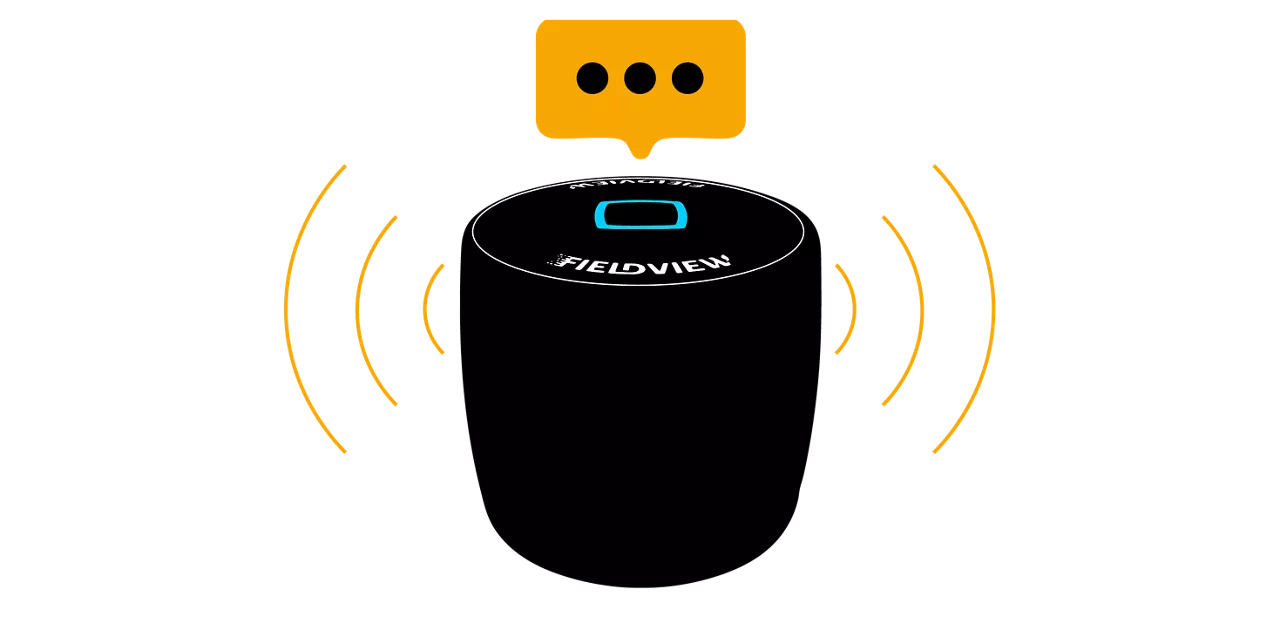
If you have compatible equipment, installing the FieldView Drive 2.0 only takes a few minutes and makes data collection automatic and seamless — giving you the tools to make data-driven decisions for a successful season of digital farming.

The smart farm: it’s a concept we’re all familiar with today. That’s thanks to the work of a few innovators in agricultural technology. Let’s meet some of them.
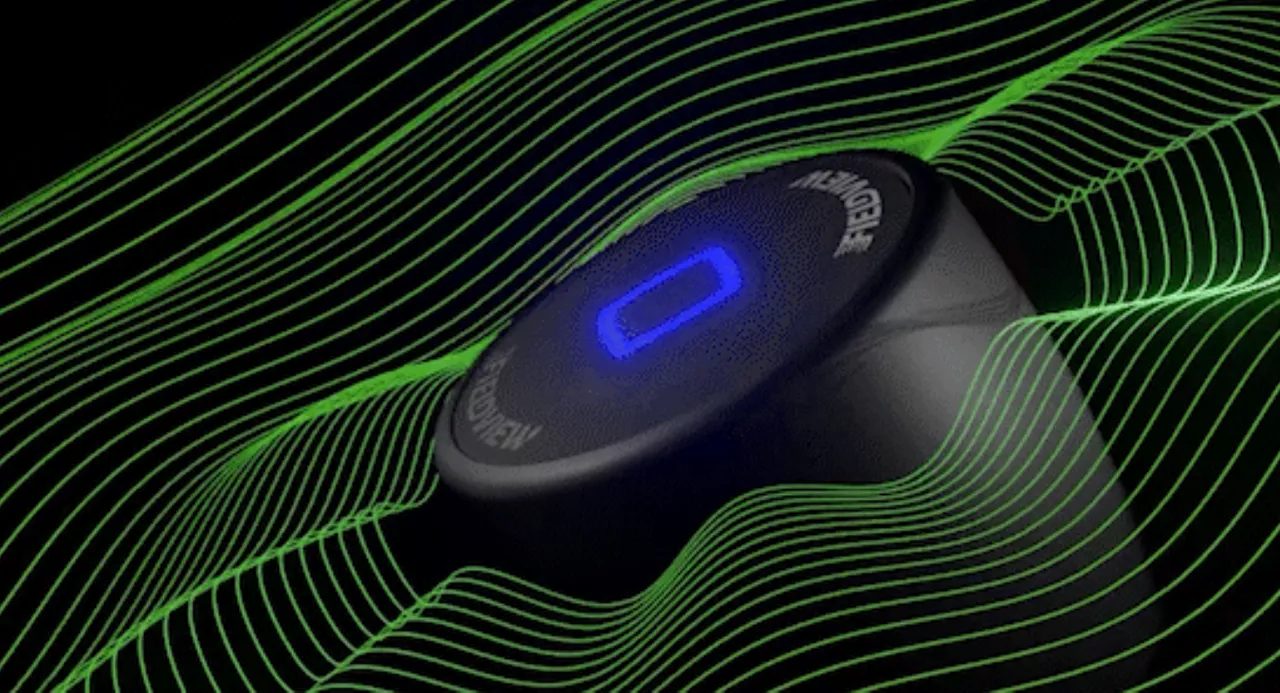
The FieldView Drive 2.0 can send seed scripts without a thumb drive, has built-in GPS, offers faster data syncing and compatibility with a wider range of equipment.
Planting season is upon us, and so is the unpredictable weather characteristic of this time of year. The decisions you make now could have lasting effects for the rest of the year.